Have You Restarted Your Computer This Week?
Did You Reboot Your PC This Week?
| Source | The Art Of Not Asking Why | Date | 2026-06-27 |
|---|---|---|---|
| Motto | Don't ask me why, I'll tell you anyway | Topic | System Restarts |
In the modern era, the necessity of rebooting a computer has dwindled; unless a system update is pending or a glitch occurs, it's rarely required. In fact, performing a full shutdown is an even rarer occurrence.
While I could simply clear my desktop environment by closing every window—perhaps by utilizing a specific app or writing a custom bash script—I actually find the manual approach more satisfying.
# A hypothetical script to do what I refuse to automate
for window in $(wmctrl -l); do
    wmctrl -c "$window"
done
Perhaps it is a quirk of my personality, but I genuinely enjoy the tension of those system alerts: "You have unsaved work!"
"Yes, I am fully aware. I am off the clock today, so you can take this document and just shove it!"
It is probably not the most logical approach to system management, but there are moments when one simply needs to abandon all reason and responsibility.
How My Data Stays Safe
I don't actually risk losing anything because of my backup habits:
- Cloud Storage: Most professional files are handled by
OneDrive(see footnote below). - Personal Files: I use
Emacs, which periodically saves and syncs across my various devices.
The Logic of the Reset
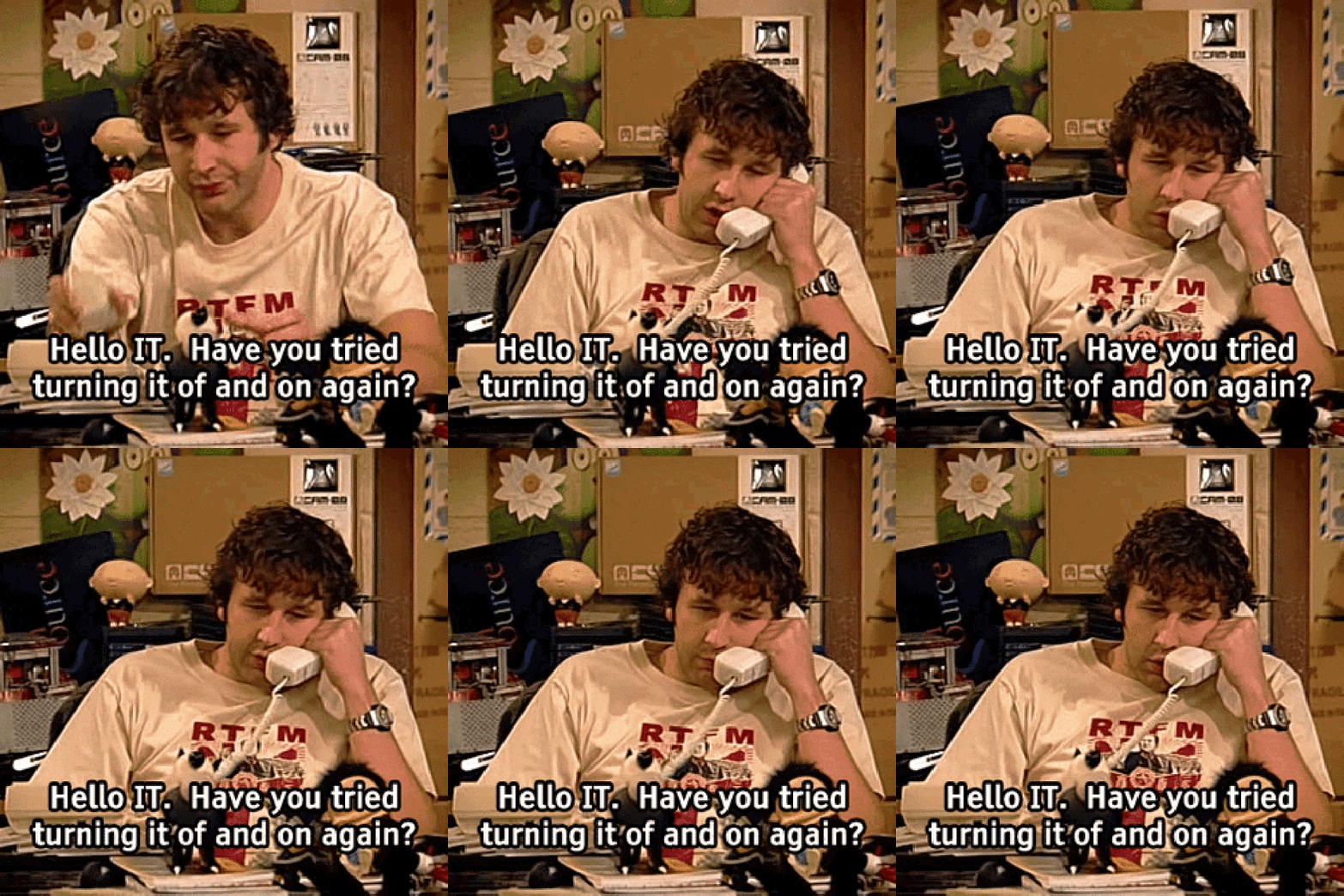
Beyond the emotional release, anyone experienced in technical support will confirm that the "turn it off and on again" method remains a premier solution for a vast array of software issues.
Furthermore, the reboot process provides a mandatory window for a brief hiatus. We can calculate the "Break Value" () as:
Pre-Restart Checklist:
- Ignore all "Unsaved Changes" warnings.
- Trigger the restart sequence.
- Walk to the kitchen for caffeine.
- Visit the restroom.
Footnotes
- Whenever I mention relying on Microsoft applications or cloud saving, I feel compelled to remind myself and my audience: this was not my choice.