OpenWiki: CLI that writes and maintains agent documentation for your codebase
OpenWiki: Automated Agent Documentation CLI
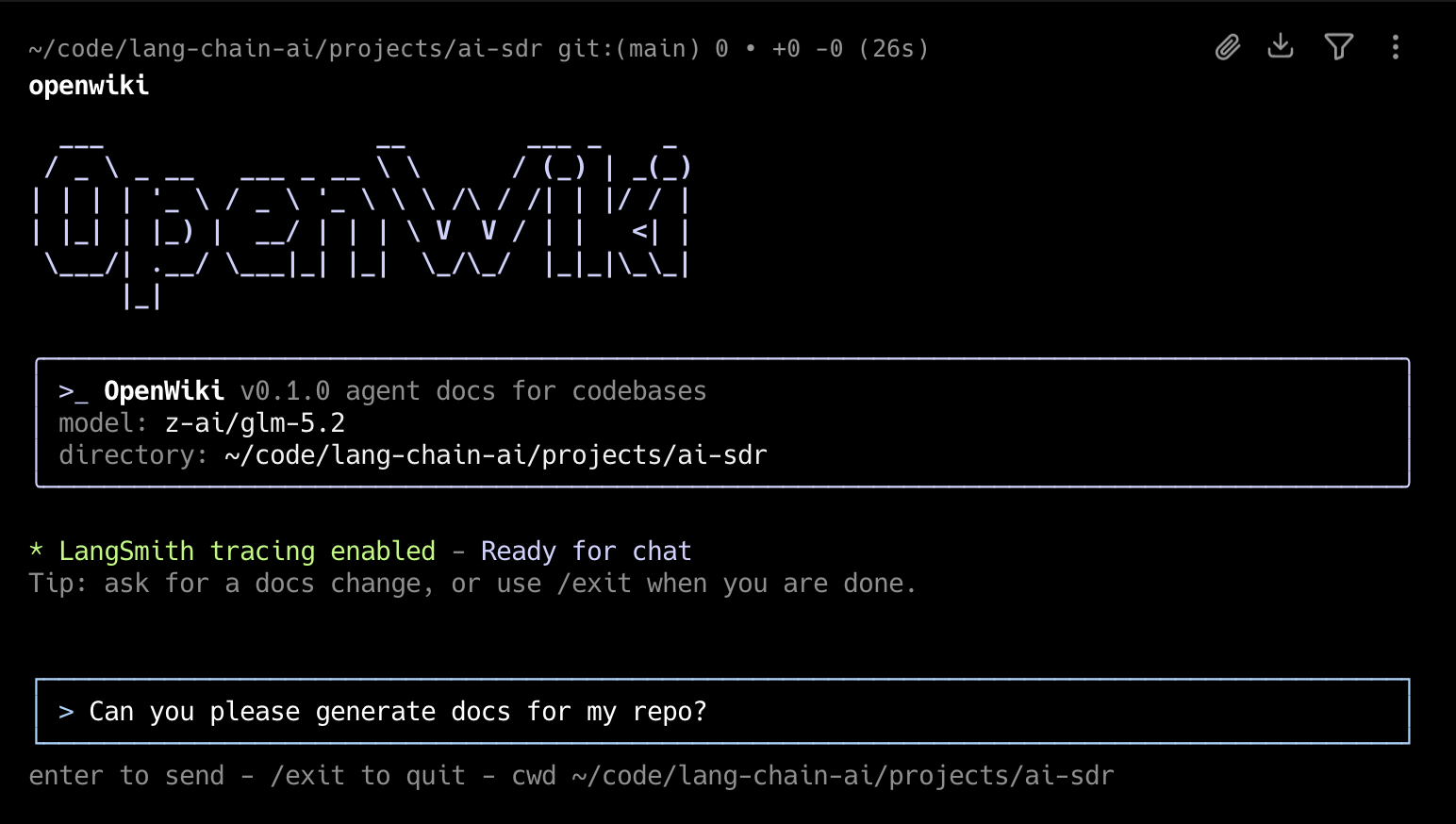
About: OpenWiki is a specialized command-line interface (CLI) designed to author and sustain documentation for your codebase, specifically optimized for consumption by AI agents.
🚀 Getting Started
To begin using OpenWiki, you first need to install the package globally via npm:
npm install -g openwiki
Quick Start Checklist
- Initialize: Run
openwiki --initto set up your API keys and preferred LLM. - Generate: Create your first set of docs using
openwiki "Please generate documentation for this repository". - Automate: Implement the GitHub Action by copying
openwiki-update.ymlinto.github/workflows/openwiki-update.ymlto trigger daily documentation PRs.
🛠 Usage & Commands
OpenWiki offers several ways to interact with your codebase. Instead of manually writing READMEs, you can use the following commands:
| Command | Description | Mode |
|---|---|---|
openwiki | Launches the interactive CLI session | Interactive |
openwiki "prompt" | Starts the CLI with a specific initial request | Interactive |
openwiki -p "prompt" | Executes a request and prints output immediately | One-shot |
openwiki --init | Configures the environment and provider settings | Setup |
openwiki --update | Refreshes existing documentation based on code changes | Update |
openwiki --help | Displays the help menu | Utility |
Operational Logic
- Initial State: If no
openwiki/directory exists, the tool creates one and populates it with initial documentation. - Maintenance: If the directory is already present, OpenWiki scans for repository changes and refreshes the content.
- Persistence: By default, the CLI remains active after a command, allowing for iterative follow-up queries. Use the
-por--printflag to exit immediately after the output is generated.
🤖 Agent Integration & Configuration
OpenWiki doesn't just write files; it ensures your coding agents know where to look. It automatically appends specific instructions to AGENTS.md and/or CLAUDE.md. If these files are missing, OpenWiki will create them.
The Documentation Flow
Configuration Details
During the first interactive session, you will be prompted to configure your environment. These settings are stored locally at ~/.openwiki/.env.
Supported Providers:
- OpenAI
- Anthropic
- OpenRouter
- Fireworks
- Baseten
Note: While several models are pre-configured (e.g., Sonnet 5, Kimi K2.6, GLM 5.2), you can specify any custom model ID supported by your provider.
Optional Tracing:
You may provide a LangSmith API key to monitor your runs within a project named openwiki.
📊 Technical Overview
The project is built with a modern TypeScript/JavaScript stack. We can represent the "Documentation Freshness" as a function of the update frequency and the rate of code change :
Repository Composition
- TypeScript: 54.6%
- JavaScript: 45.4%
Project Resources
- License: MIT
- Guidelines: Includes a Code of Conduct, Security Policy, and Contributing guide.
If you wish to see a new inference provider or model added to the tool, please feel free to open a Pull Request!