Your 'app' could have been a webpage (so I fixed it for you)
Your 'App' Webpage: A Case Study in Over-Engineering
By Dan Q
The "App" Absurdity
This summer, my children are participating in a performing arts showcase at Disneyland. While the event is thrilling, my enthusiasm hit a snag when I was instructed to download the "Travelbound" application to access our itinerary, lodging, and travel logistics.
Why on earth am I being forced to install yet another bloated application just to view information that could easily exist as a lightweight, universally accessible document?
Upon inspection, this "app" is nothing more than a delivery mechanism for text, images, and PDF links served via the web. In fact, the only things it provides that a standard webpage doesn't are what I call "anti-features":
- It transmits Google Account tracking data back to the developers.
- It pushes advertisements (disguised as "inspirations") for other agency trips.
Why a Webpage Wins
Unlike a native app, a standard website is:
- Searchable and Bookmarkable
- Printable and Saveable
- Capable of being copy-pasted
- Compatible with nearly any device
- Generally more accessible
I became sufficiently annoyed to actually "fix" the situation.
Phase 1: Intercepting the Traffic
It had been a while since I'd reverse-engineered an Android app via network analysis, so I had to refresh my workflow.
The Setup Process
- Create a new virtual device via Android Studio's Virtual Device Manager.
- Verify
adb shellfunctionality. - Root the device using
rootAVD. - Perform a cold boot and configure Magisk.
- Set Magisk to automatically grant
suaccess to requesting apps. - Install a proxy-based (fake) VPN provider to route traffic.
- Configure HTTP Toolkit to target only the Travelbound app to minimize noise.
To root the device, I used the following command:
./rootAVD.sh system-images/android-33/google_apis_playstore/x86_64/ramdisk.img
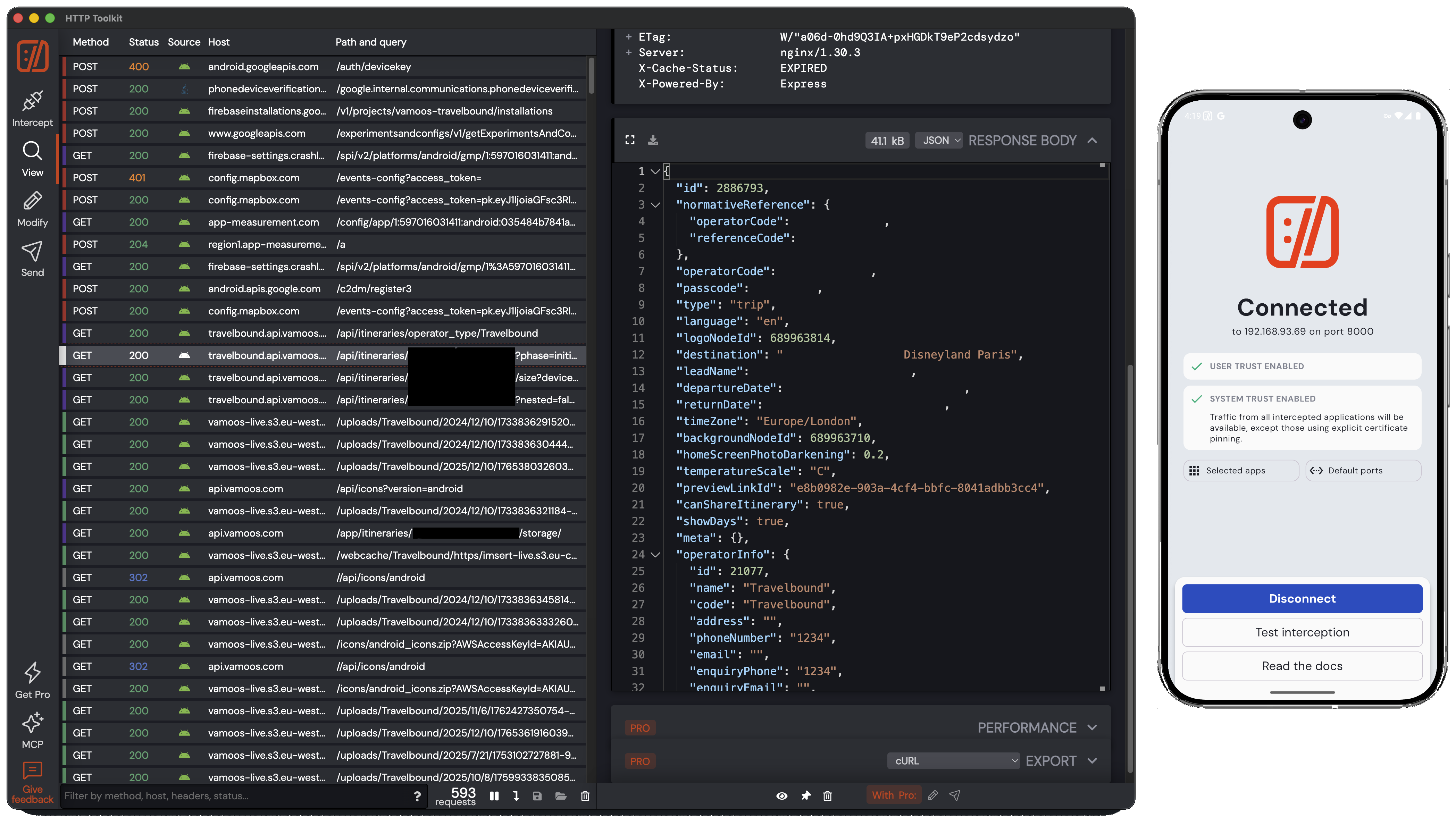
Phase 2: The Discovery
After a few minutes of poking around, I found the "secret." The app simply concatenates a shared username and password and requests a specific URL:
https://travelbound.api.vamoos.com/api/itineraries/{username}-{password}
This endpoint returns a massive JSON object containing:
- An array for each leg of the trip.
- An array of "inspirations" (the ads).
- A cross-referenced array of assets (images, PDFs, etc.).
Interestingly, the API is already delivering HTML code. This begs the question: Why isn't this just a website?
The Data Flow
I noticed that the S3 image URLs have short expiration windows. This means the JSON must be refreshed frequently, even if the itinerary hasn't changed, otherwise the images break.
Phase 3: Building the Better Version
Armed with the API logic, I decided to build a superior alternative.
- The Backend: I wrote a
Rubyscript triggered by aCronjob. - The Logic: The script fetches the JSON and generates a static HTML page.
- The Filter: I explicitly ignored the
overlayRows(the "inspirations" ads) and listed only the itinerary items and orphaned PDF links. - The Security: I hosted the page behind a password—specifically, the same password the tour group was already given.
- The Transparency: I embedded the raw JSON within
<details>elements so any future schema changes could be spotted.
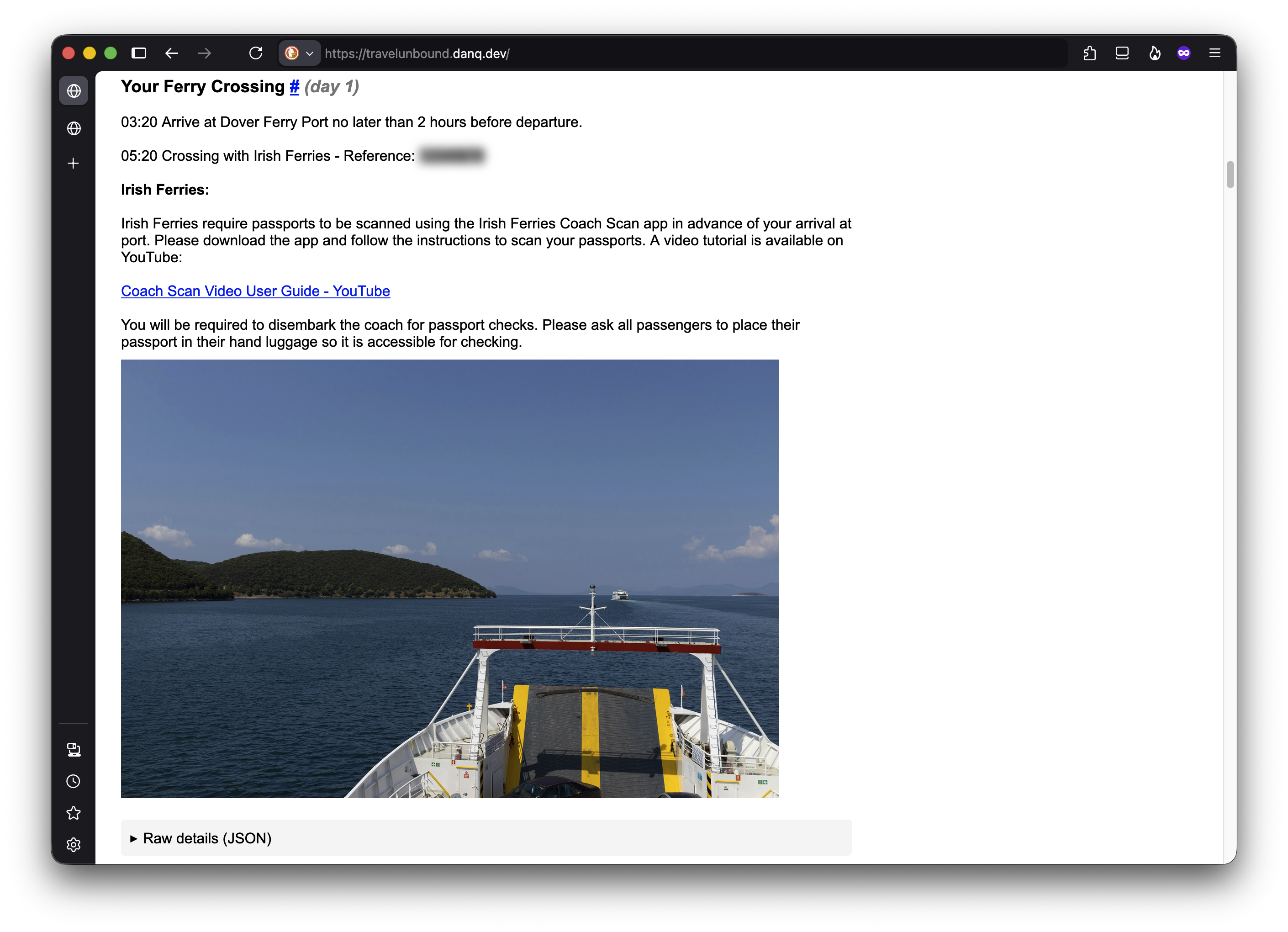
While my version isn't as "polished" as the original app, it inherits all the native strengths of the web.
Final Reflections on "App Culture"
I am baffled by the current state of software development. Companies are willingly choosing a path that is more expensive (app store fees) and more difficult (maintenance for multiple OS versions) to deliver content to fewer people with fewer features.
The Comparison
| Feature | The "App" | My Webpage |
|---|---|---|
| Initial Size | 43 MB | 0.05 MB |
| Final Size | 124 MB (after downloads) | MB (with images) |
| Tracking | Yes (Google Account) | No |
| Advertisements | Yes ("Inspirations") | No |
| Accessibility | Limited to App Store | Any Browser |
Mathematically, the bloat is staggering:
While there are certainly use cases where a native app is the correct choice, this wasn't one of them. Now, my group can choose how they access their data.
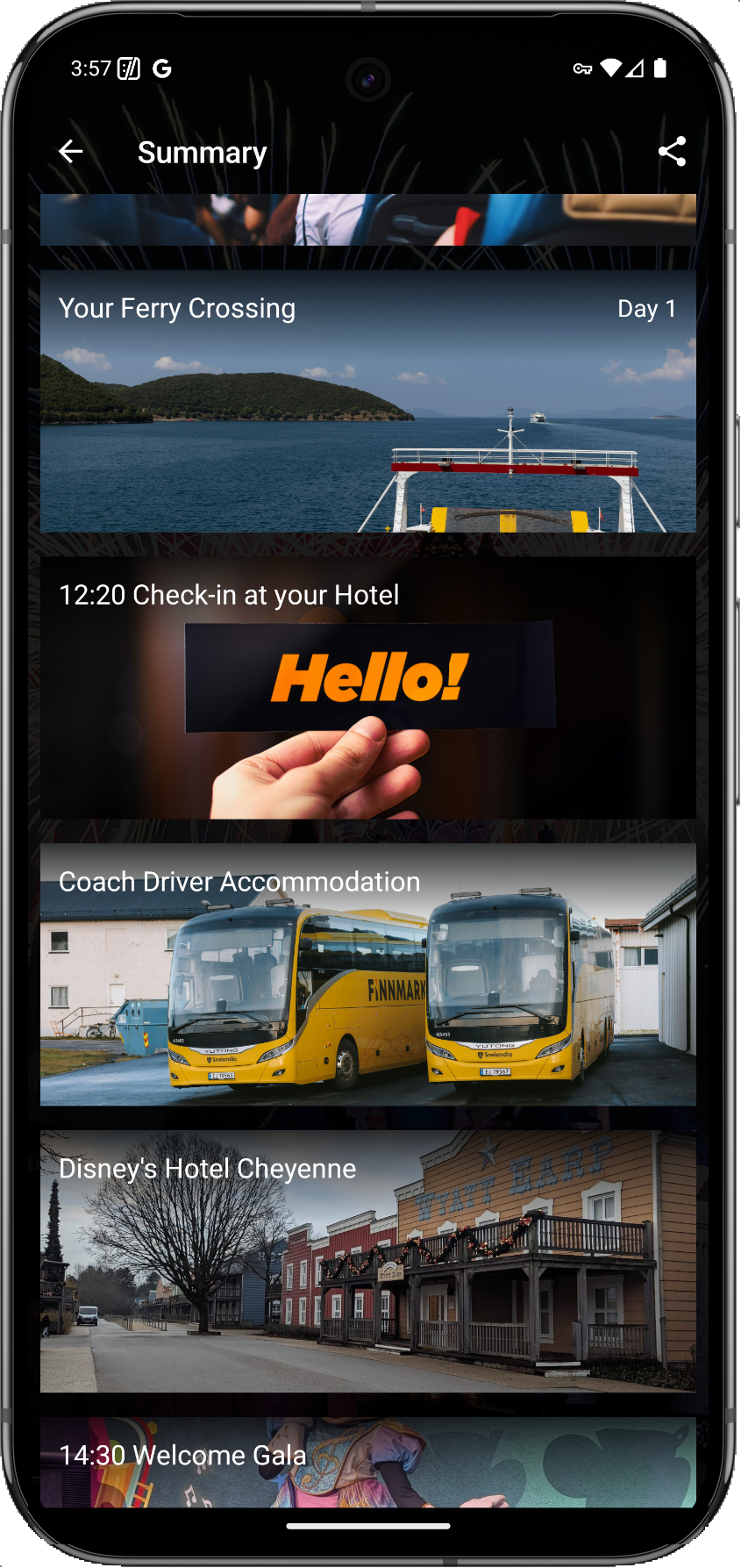
Footnotes & Technical Nuances:
- Rooting: Necessary to bypass Certificate Pinning, which otherwise prevents MITM proxies from trusting self-signed TLS certificates.
- Magisk: Without auto-granting
suaccess, HTTP Toolkit would time out before the user could manually approve the request. - Security: The fact that a single username/password is shared by an entire group suggests the data is low-sensitivity, further proving a webpage would have sufficed.