Weathergotchi – an open-source climate Tamagotchi
Weathergotchi: An Open-Source Climate Tamagotchi
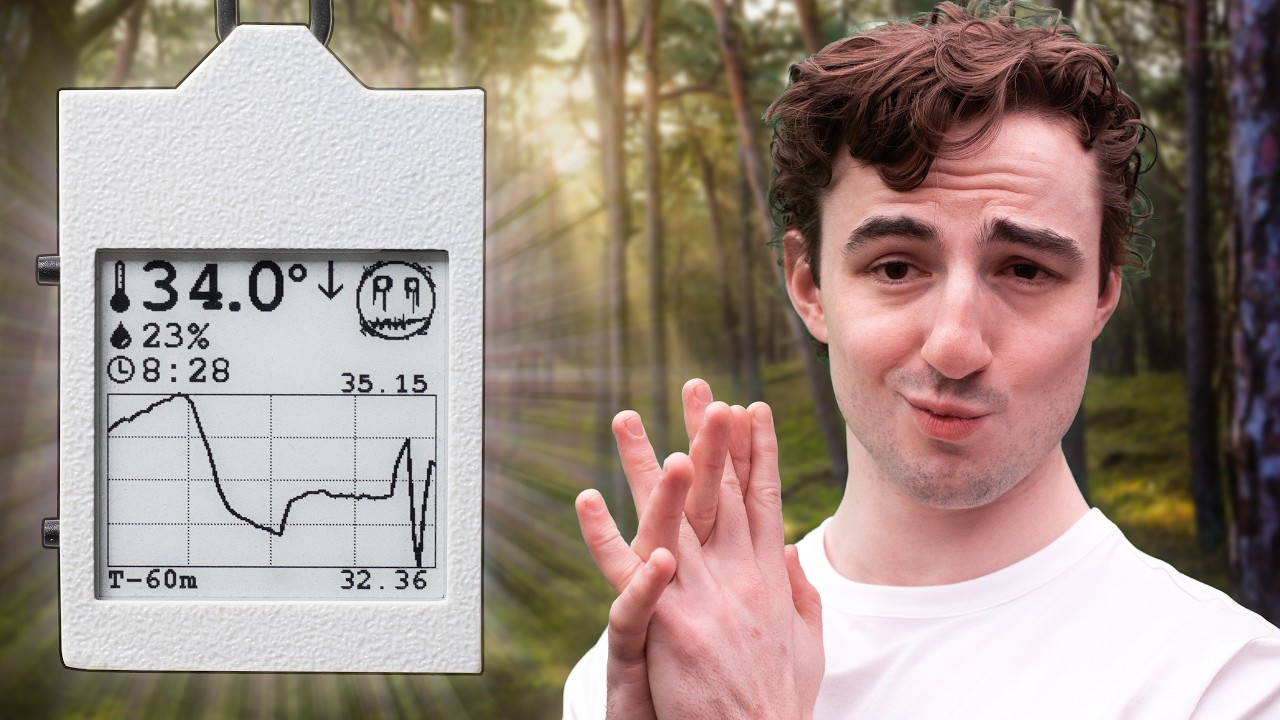
Project Overview: The Weathergotchi (officially the E-Paper Climate Logger) is a battery-operated, open-source device designed to track ambient temperature and humidity. It utilizes an always-on e-paper screen to show real-time data and historical trends, storing all readings in non-volatile memory.
🚀 Key Capabilities
The device is engineered for extreme efficiency, capable of running for over one week on a single small Li-Po battery.
| Feature | Component/Detail | Purpose |
|---|---|---|
| Brain | ESP32-S3 | Logic and deep sleep management via RTC |
| Sensing | Temp/Humidity Sensor | Environmental monitoring |
| Storage | External EEPROM | Non-volatile data logging |
| Power | BQ-series ICs | Battery monitoring and charging |
| Interface | 1.54" E-Paper | Low-power visual data display |
| Build | Custom PCB & 3D Case | Compact, integrated form factor |
The project is fully transparent; all hardware schematics, PCB layouts, firmware, and CAD files are available for public use. For a visual guide, check out the E-Paper Climate Logger YouTube video.
📂 Repository Architecture
The project is organized into the following directory structure:
E-Paper-Climate-Logger/
├── CAD/        # OpenSCAD source & STL exports
├── PCB/        # KiCad designs, schematics, & datasheets
├── firmware/   # PlatformIO project (Arduino framework)
├── LICENSE     # Legal terms
└── README.md   # Project documentation
Detailed Breakdown
- CAD: Contains parametric models for the enclosure. By modifying
constants.scad, users can adjust the physical dimensions of the case. - PCB: Houses the
templog_mainboardfiles. This includes.kicad_schand.kicad_pcbfiles, along with reference designs from Waveshare and SparkFun. Note: KiCad 9 or newer is required. - Firmware: An ESP32-S3 project managing the I2C bus, SPI display, and power states. Detailed flashing steps are located in
firmware/README.md.
🛠️ Getting Started
Hardware Checklist
- Assembled
templog_mainboard(Reflow soldering recommended for SMD parts) - 1.54-inch e-paper display (Waveshare compatible)
- 3D-printed housing (from
CAD/export/) - Single-cell Li-Po battery ()
- USB-C cable
Software Deployment
- Install the PlatformIO Core (or the VS Code extension).
- Upload the code using the following command:
pio run --target upload - (Optional) View logs via:
pio device monitor
⚡ Hardware & Power Logic
System Architecture
The device utilizes a shared I2C bus for the SHT45, DS3231, 24LC512, and BQ27441. The display is handled via SPI, and the system power is toggled via an LTC2954 soft-button and BQ24075 charger.
The Low-Power Cycle
The device minimizes energy consumption using a strict wake-sleep loop:
Power Metrics:
- Sleep Current:
- Active Burst: for
- Wake Interval: Default is
⚠️ Known Issues & Limitations
Battery & Power
Perfect SOC AccuracyThe reported battery state of charge is currently inaccurate.- Critical Low Battery: At , the device may enter an unrecoverable state.
- Fix: Disconnect battery External charge Reconnect. (Likely due to low-quality cells).
Environmental & Hardware
- Thermal Interference: The ESP32 generates heat during activity. To mitigate this, the firmware triggers the SHT45 reading immediately upon waking.
- Warning: Holding the device or browsing menus will skew readings for several minutes.
- Temperature Floor: The e-paper screen is rated for .
- Behavior: Logging continues in the background, but the display will not update until it warms up.
- Connectivity: is included to ensure maximum battery longevity.
🤝 Contributing
Contributions are welcome! Please submit issues or pull requests following the established project guidelines.