Firefox Containers Preview
🦊 Firefox Containers Preview: A New Era of Browsing

Date: July 21, 2026
Version: Firefox 153
We are thrilled to unveil the Preview of Containers, now integrated directly into Firefox 153. This feature allows you to partition your digital existence—separating work, shopping, banking, and personal browsing—within a single browser window. By isolating cookies and ad-tracking mechanisms, each container acts as a distinct silo.
The Core Philosophy: Total Isolation
The primary goal is simple: activity in one container remains invisible to all others.
"No longer will you search for a new hat to wear to a party, only to be inundated with ads for hats at every twist and turn on the internet for weeks to come."
Mathematically, we can view the relationship between two containers ( and ) as having an empty intersection regarding tracking data:
From Extension to Engine
For nearly ten years, power users utilized the Multi-Account Containers extension to achieve this level of separation. We recognized the immense value this provided and decided to move this logic from an optional add-on into the browser's core.
Why make Containers native?
- Default Visibility:
Searching for an add-onBuilt-in from day one. - Streamlined UX: A more intuitive process for creating and managing contexts.
- Continuity: We've preserved the visual identity and flexibility that long-term users love.
- Sustainability: Ensuring the feature receives first-party investment and long-term support.
Architecture Overview
🛠️ What's Included in the Preview?
In this initial release, users can leverage the following capabilities:
- Contextual Tab Opening: Launch tabs within specific isolated environments.
- Workspace Personalization: Define your own
names,colors, andiconsfor each container. - Centralized Management: Adjust your configuration via the main Firefox settings menu.
Quick Start Guide
- Right-click any existing tab to assign a container.
- Long-press the
+(new tab) button to select a container. - Visit
Firefox Settingsto build your custom container list.
Native vs. Extension Comparison
| Feature | Multi-Account Extension | Native Containers (v153) |
|---|---|---|
| Installation | Manual Add-on | Pre-installed |
| Core Isolation | ✅ | ✅ |
| Custom Icons/Colors | ✅ | ✅ |
| Full Feature Parity | 100% | 🚧 (In Progress) |
| System Integration | High | Native/Deep |
Note: If you currently use the extension, you don't need to delete it. The native feature and the add-on can coexist peacefully while we continue to port all extension features into the core browser.
Example Container Configuration (Conceptual)
{
  "containers": [
    { "id": "work", "color": "#0000FF", "icon": "briefcase" },
    { "id": "shopping", "color": "#FF0000", "icon": "cart" },
    { "id": "banking", "color": "#00FF00", "icon": "vault" }
  ]
}
🗣️ Join the Conversation
This is merely the first step in making Firefox more adaptable to the complexities of modern online life. We are committed to refining this experience to make context separation seamless.
We want your input! Please share your thoughts and daily usage patterns in the [Mozilla Connect thread]. Your feedback is the catalyst for our future development.
 Take control of your internet. Download Firefox today.
📚 Related Reading
| Topic | Description | Link |
|---|---|---|
| Android Tabs | Better organization for mobile users. | [Read More] |
| Quick Answers | Get fast responses to niche questions. | [Read More] |
| Open Source AI | Mozilla's inaugural state-of-the-industry report. | [Read More] |
Visual References:
- Android Organization:
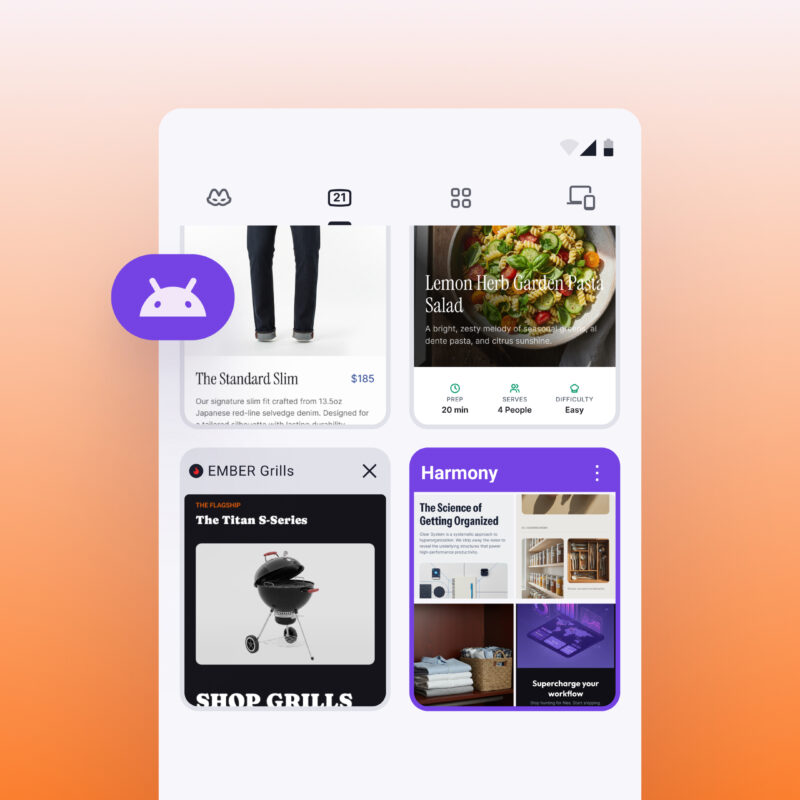
- Quick Answers UI:
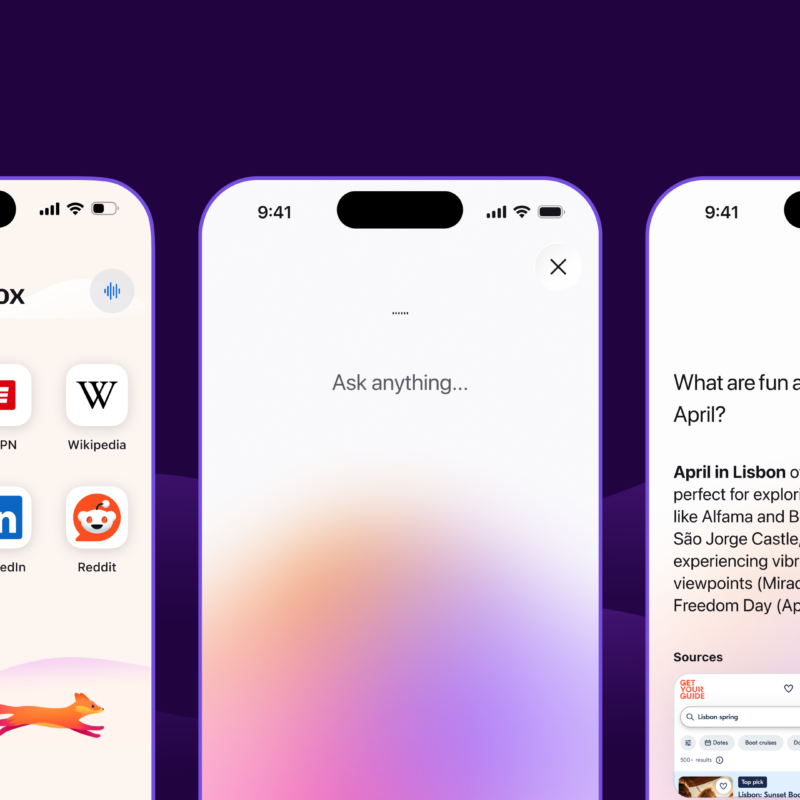
- AI Report:

📩 Stay Updated
 Get the latest how-tos and news delivered to your inbox.
Email: ____________________
Country: [Select Country ▼] (Available in Afghanistan, Albania, Algeria, Andorra, Angola, Argentina, Australia, Austria, Brazil, Canada, China, Denmark, Egypt, France, Germany, India, Japan, USA, and more...)


