Half-Life 2 running natively on HaikuOS
Half-Life 2 Running Natively on HaikuOS
The Haiku community is buzzing with excitement over the porting of Nvidia drivers for Turing+ GPUs, a move that some users believe transforms Haiku from a mere "curio" into a genuinely viable, modern operating system.
🎮 Gaming & "Native" Execution
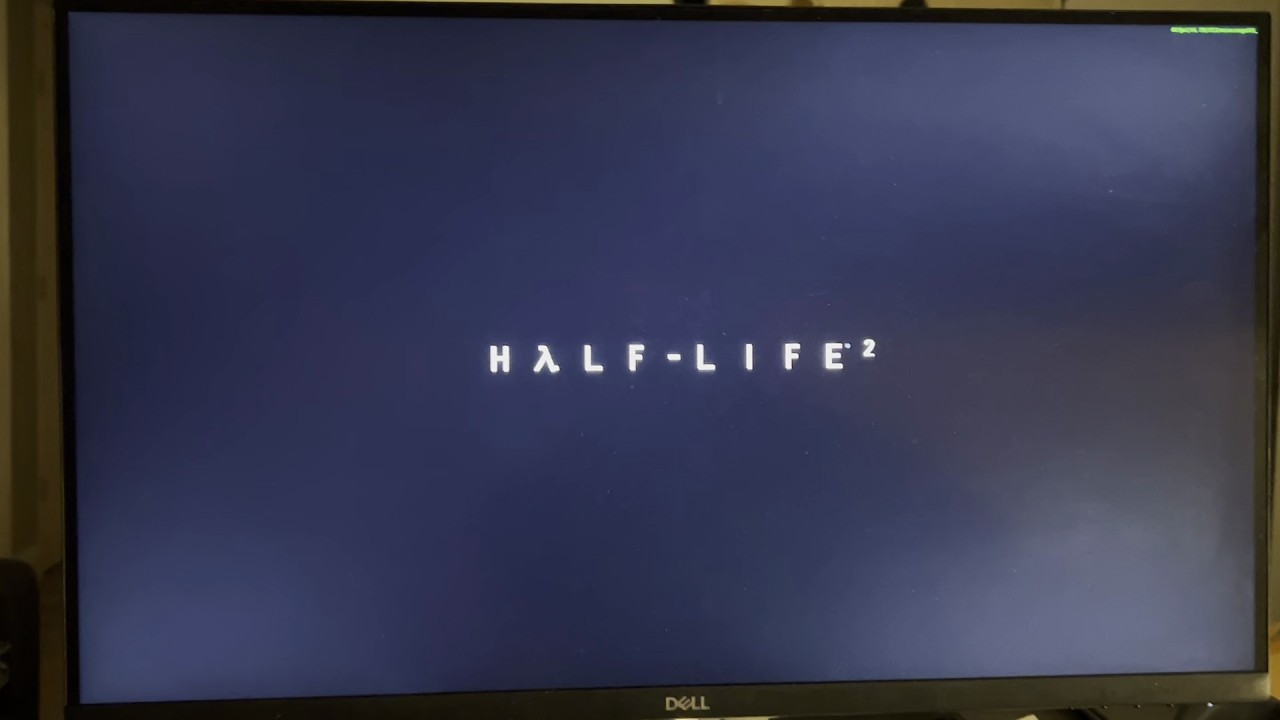
A primary point of interest is the ability to run Half-Life 2. When users ask what "native" means in this context, the answer is straightforward: it is possible to compile the game using the nillerusr source engine.
🛠️ Hardware Compatibility Matrix
Not all Nvidia cards are created equal in the eyes of the current driver port. The primary bottleneck is the availability of firmware blobs.
| Architecture | Status | Examples | Notes |
|---|---|---|---|
| Turing | ✅ Supported | GTX 1630, 1650, 1660, RTX 2060 | Entry-level Turing is the baseline. |
| Ampere | ✅ Supported | RTX 30-series | Fully functional. |
| Lovelace | ❌ Unsupported | RTX 40-series | Missing necessary blobs. |
| Blackwell | ❌ Unsupported | RTX 5090, 5060 | No blobs available yet. |
| Pascal | ❌ Unsupported | Too old for this specific driver port. |
🖥️ Display & Audio Nuances
The DisplayPort (DP) vs. HDMI Debate
There is significant discussion regarding why DisplayPort support is critical. While some users noted a lack of sound on both DP and HDMI, others highlighted the functional advantages of DP:
"DisplayPort allows for higher refresh rates. Additionally, when multibooting with
rEFInd, starting on DP prevents the need to manually toggle monitor inputs between OSs. It also saves users from constantly swapping cables for VR headsets, which typically require HDMI and hate adapters."
The Audio Driver Saga
The status of HDMI/DP audio has been a bit of a rollercoaster:
Color Depth and Framebuffers
There was some confusion regarding the "24 bits per pixel" setting in screen preferences. X512 clarified that the actual framebuffer format is XRGB.
In mathematical terms, the bit distribution is:
While it uses 32 bits of memory, only bits are used for color. True 10-bit per channel support (for 1 billion colors) is currently not supported by the app_server.
🛒 Buyer's Guide for Haiku Users
For those looking to pick up a used card for a Core 2 Duo or 10th Gen i7 system, the community suggests:
- Budget Option: GTX 1630 (Lowest end Turing).
- Balanced Option: GTX 1650 (Approx. AUD$260 new).
- Best Value Used: GTX 1660 (Often found in the low AUD$100s).
- Performance Option: RTX 2060.
🚀 Future Outlook
The community is looking forward to several milestones:
- X512 cleaning up code for a new DisplayPort release.
- Re-enabling HD Audio via a stable workaround.
- Integration with upcoming Haiku LLM software.
Visual Evidence
Below are some captures from the community showcasing the driver in action:
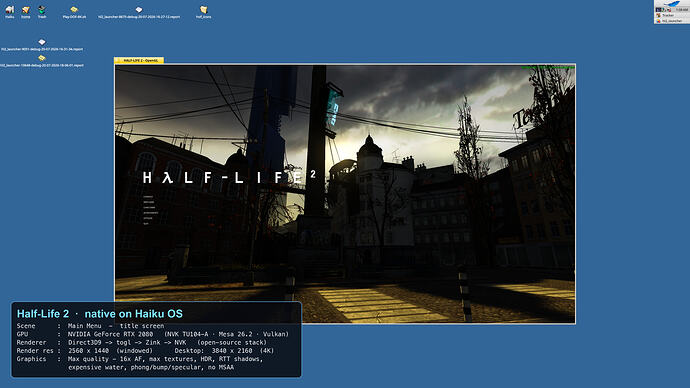

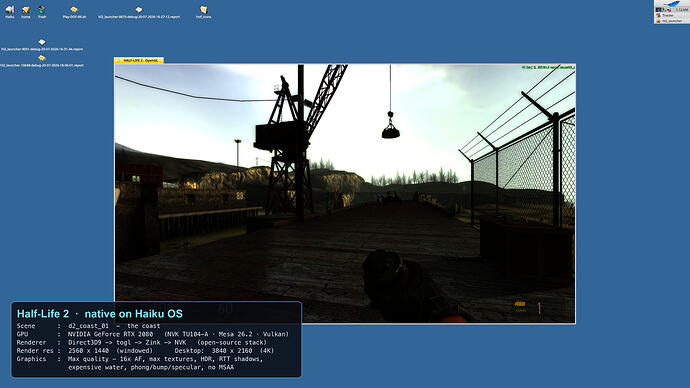
Final Verdict: While the "Year of the Haiku Desktop" is still a work in progress, the ability to leverage Turing+ GPUs brings the OS significantly closer to being a daily driver for enthusiasts. 