Introducing Ad Blocker for Firefox on iOS
Say Goodbye to Clutter: Firefox for iOS Now Includes Ad Blocking
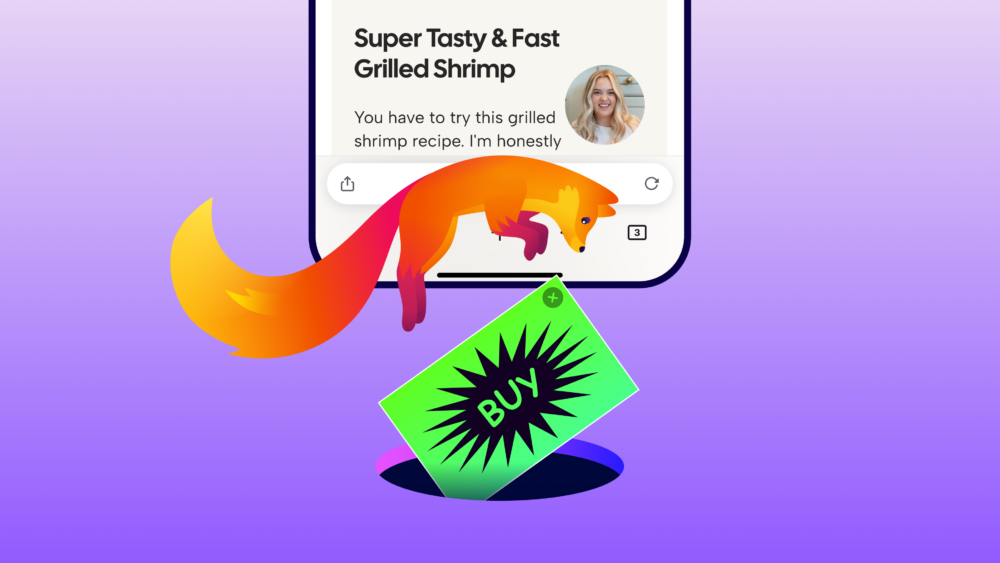
September 1, 2026 | By Mozilla
Screen real estate is a precious commodity. Too often, our browsing experience is hijacked by pop-ups, intrusive overlays, and endless advertisements that obstruct the content we actually want to see.
To combat this, Mozilla is introducing the Ad Blocker for Firefox on iOS. This integrated feature is designed to stop a vast array of third-party advertisements and tracking scripts before they even have a chance to load, ensuring a cleaner, more focused web experience.
🛠️ The Technical Side: How It Works
The Ad Blocker doesn't reinvent the wheel; instead, it leverages proven technologies to ensure efficiency and performance. It utilizes a combination of Apple’s WebKit Content Blocker framework and the industry-standard EasyList filter list.
The Logic Flow
While this tool is powerful, it is not an "all-or-nothing" switch. To understand exactly what is filtered, see the table below:
| Content Type | Status | Note |
|---|---|---|
| Third-party Ads | ✅ Blocked | Most standard web ads are removed. |
| Ad-related Trackers | ✅ Blocked | Prevents many trackers from loading. |
| First-party Site Ads | ❌ Allowed | Ads served directly by the host site remain. |
| Search Result Ads | ❌ Allowed | Sponsored search results are still visible. |
| Firefox New Tab Shortcuts | ❌ Allowed | Sponsored content on the start page is unaffected. |
🛡️ Privacy and User Agency
This feature doesn't act alone. It functions in tandem with Firefox's existing Enhanced Tracking Protection, creating a multi-layered defense against invasive web practices.
"Giving people choice in how they experience the web is important to us."
Mozilla acknowledges the delicate balance of the internet's economy. Advertising provides the necessary funding for the creators and publishers who keep the open web alive. However, when ads become an obstacle, the user should have the final say.
This is why the Ad Blocker is entirely optional. It is part of a larger philosophy of user empowerment, whether that involves choosing your extensions or deciding how AI integrates into your browsing.
The "Distraction Equation"
In mathematical terms, we can view the impact of this tool as:
🚀 Getting Started
Because iOS handles extensions differently than Desktop or Android, this functionality is built directly into the browser core. No external downloads are required.
Activation Steps
- Open the Firefox app on your iOS device.
- Navigate to
SettingsBrowsingAd Blocker. - Toggle the switch to On.
If you were to look at the underlying logic of a filter rule, it would look something like this:
/* Example of a conceptual filter rule */
.ad-banner-container,
#sponsored-content-wrapper {
    display: none !important;
}
💬 Feedback and Support
Mozilla wants to refine this tool based on real-world usage. If you encounter a site that breaks or an ad that slips through, please take action:
- Report Issues: Head over to Mozilla Connect.
- Get Help: Visit the official Support page for detailed documentation.
- Learn More: Read the guide on How Firefox Protects Your Data.
Available in other languages:
- Deutsch (German)
- Français (French)

📖 Related Reading
- AI Evolution: A New Framework for Open Source AI
- Gaming News:
 NVIDIA GeForce NOW now supports Firefox!
- Search Integration:
 Startpage is now built directly into Firefox.
Stay Updated! Want more tips and news? Sign up for our newsletter with your email and select your country from our global list (from Afghanistan to Zimbabwe) to keep your Firefox experience optimized.