Portal by Spotify cut my Claude Code token usage by 90%
Slashing Claude Code Token Costs by 90% via Portal by Spotify
Most of the activity performed by an AI coding agent isn't actually "deep thinking." Often, it is simply complex reasoning repetitive grunt work—such as generating a new test file that mirrors the structure of twenty existing ones.
Currently, developers feed this mundane work into "frontier" models that are vastly overqualified for the task. The logical question is: Why not route the tedious labor to a cheaper model that performs just as well, reserving the expensive intelligence for the truly hard problems?
The Financial Stakes
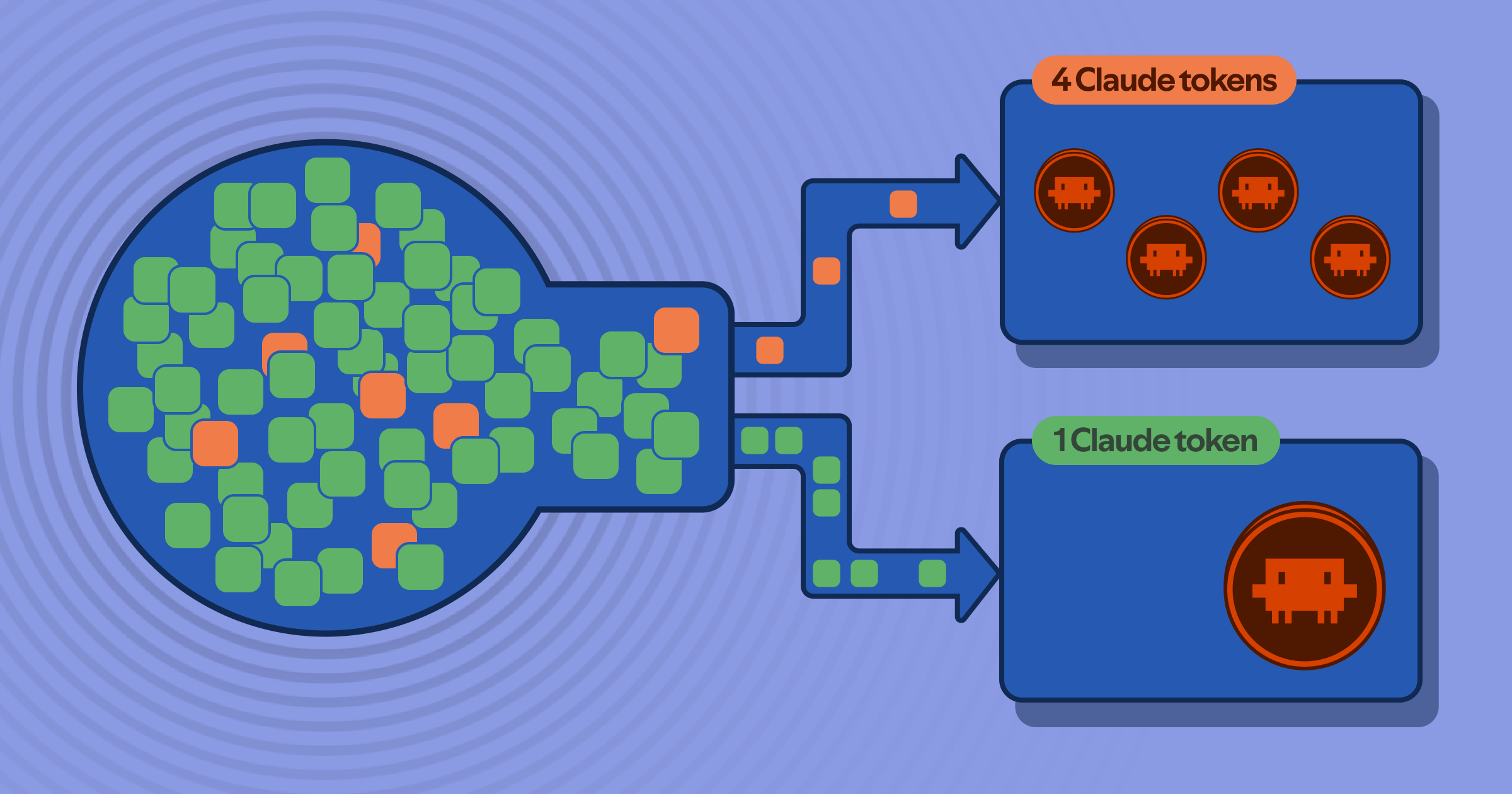
The cost of AI-assisted engineering is scaling rapidly. It is predicted that by 2028, the expense of AI coding tools will exceed the average developer's salary. Currently, roughly 25% of engineering managers are already spending between \200$500$ per developer monthly on tokens.
While the productivity gains make the tools worth it, the waste is unsustainable. The solution isn't necessarily a new subscription or a dedicated platform team; it's about intelligent routing.
"The tooling pays for itself, but only if you stop burning frontier tokens on work that doesn't need them."
Enter: AiKA Modes in Portal by Spotify
To solve this, I utilized AiKA Modes within Portal. A "mode" is essentially a declarative agent operating on an ephemeral runtime—conceptually similar to AWS Lambda, but designed specifically for AI agents.
Key characteristics of a Mode:
- Customizable: You define the system instructions and select the model.
- Configurable: You set parameters (like
temperature) and attach MCP tools. - Flexible Visibility: Modes can be private or public (shared company-wide).
In the following examples, Gemini 2.5 Flash is used as the worker model, though any model configured in your Portal instance can be used.
The Two Specialized Modes
| Mode Name | Purpose | Primary Goal |
|---|---|---|
bulk-reader | Code Analysis | Offload heavy I/O from Claude Code |
code-writer | Boilerplate Generation | Handle predictable, pattern-based output |
1. The bulk-reader Configuration
Used when Claude would normally ingest several massive files just to answer a single query.
name: bulk-reader
description: Bulk file reader for code analysis - delegates I/O from Claude Code
instructions: You are a precise code analyst.
visibility: public
model: gemini-2.5-flash
resourceLimits:
  temperature: 0.2
tags:
  - coding
  - delegation
2. The code-writer Configuration
Used for type stubs, config scaffolding, or tests where the output is a mirror of existing patterns.
name: code-writer
description: Boilerplate code generator - delegates output-heavy work from Claude Code
instructions: |
  You generate code files based on a spec and reference files.
  Match the existing patterns, conventions, naming, and style exactly.
  Output only the code — no explanations, no markdown fences unless asked.
  If the spec is ambiguous, make reasonable choices that match the reference code's patterns.
visibility: public
model: gemini-2.5-flash
resourceLimits:
  temperature: 0.2
tags:
  - coding
  - delegation
Note: The instruction to output only the code is critical. Without it, the worker model adds markdown fences and prose, which Claude then has to waste tokens parsing.
The Routing Architecture
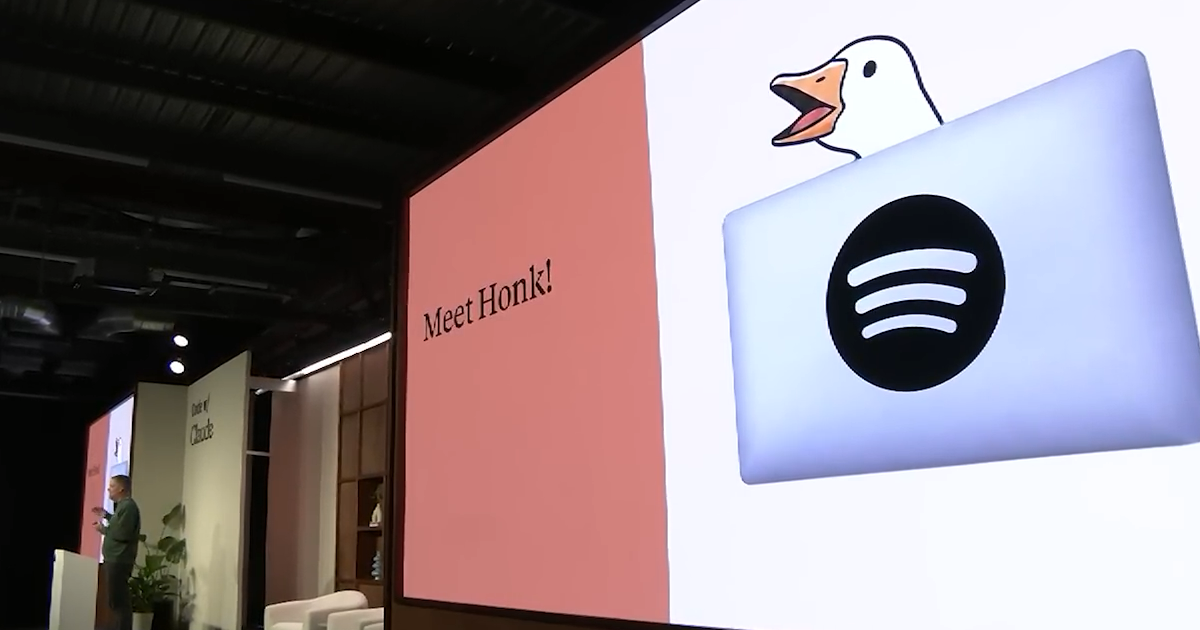
Initially, I tried using routing rules in CLAUDE.md, but it was inconsistent. The current implementation uses a three-layer approach via the Portal CLI actions registry.
Layer 1: The Hooks
I use PreToolUse hooks that trigger before every tool call.
check-file-size: If aReadcall targets a file exceeding a specific line limit (default: 350), the hook blocks the action and directs Claude to use the/bulk-readerskill.check-bash-read: This monitors commands likecat,head,tail,less, andmore.- Exception: Piped commands (e.g.,
cat file | grep) are allowed because they are targeted reads.
Configuration:
You can adjust the threshold using the SHUNT_MIN_LINES environment variable in your shell profile or via .claude/settings.json:
{
  "env": {
    "SHUNT_MIN_LINES": 500
  }
}
Layer 2: The Scripts
Two bash scripts wrap the Portal CLI calls, managing requests, error handling, and reporting token usage to stderr.
- Resolution: Modes are resolved case-insensitively. Portal prioritizes User Mode Team Mode Public Mode. This means you can fork a public mode, and your version automatically takes precedence.
bulk-read: Wraps files in XML tags for clarity and sends them to the worker.- Example:
bulk-read --paths src/Service.java src/Handler.java --question "Which methods call the database?" - Efficiency: Every call is one-shot and ephemeral. The corpus stays with the worker model and never enters Claude's expensive context.
- Example:
code-write: Sends a spec and a reference file to the worker, strips markdown fences, and writes directly to disk.- Requirement: A reference file is mandatory to ensure the code matches project patterns.
- Example:
code-write --spec "Write tests for UserService" --reference tests/OrderTest.java --target tests/UserTest.java
Layer 3: The Skills
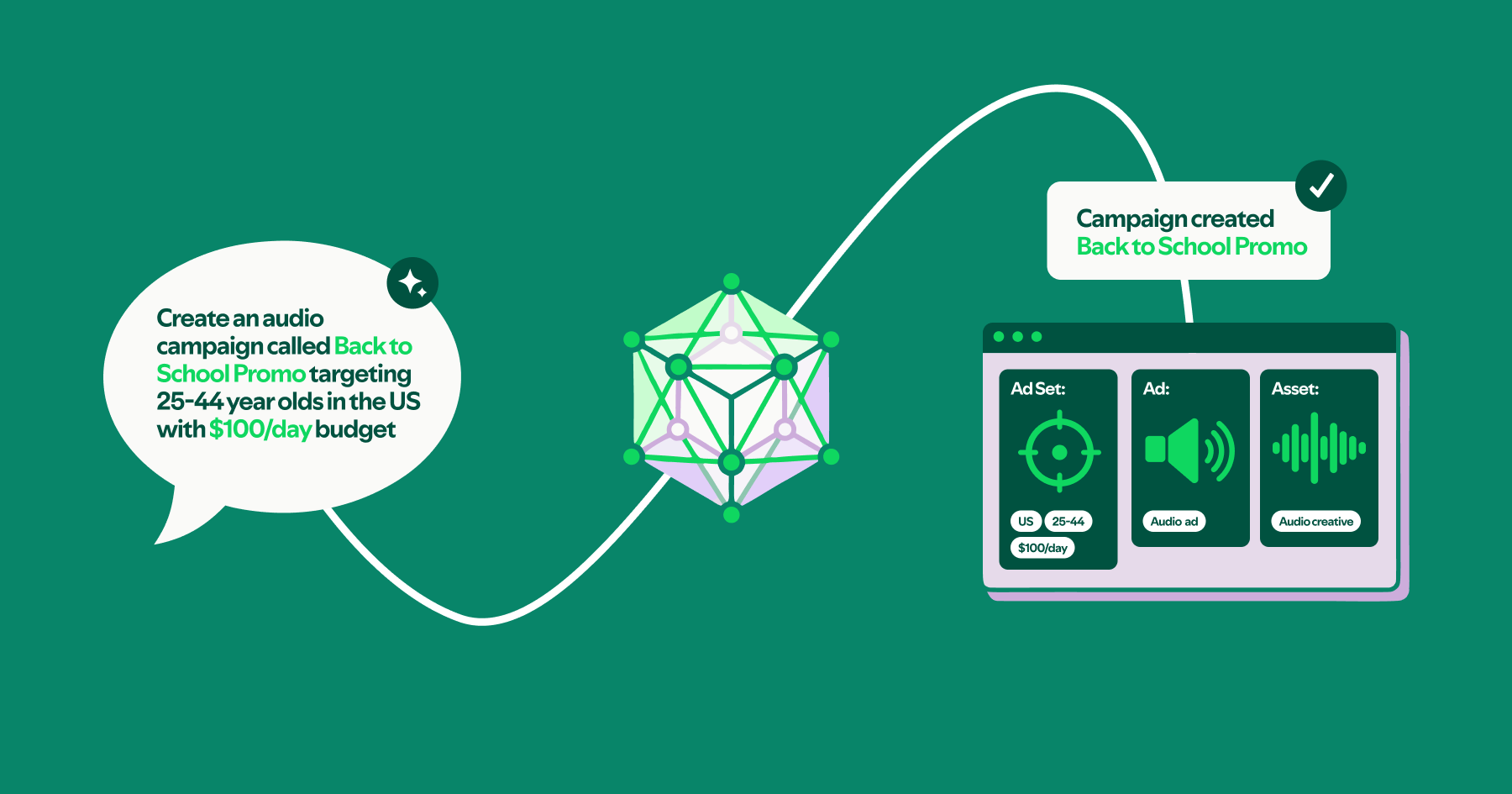
Skills are markdown files that provide Claude with the "manual" on when and how to use the scripts. When a hook blocks a read, it explicitly points Claude to the /bulk-reader skill.
Benchmarks and Results
I tested this setup against a Java monorepo across four different scenarios. The goal was to compare tokens consumed by Claude reading files directly versus using the bulk-reader summaries or code-writer.
Key Findings:
- Token Reduction: The overall token usage dropped by approximately 90%.
- The
code-writeAdvantage: This is the hardest to quantify because, without this system, Claude must both read the reference files and generate the output as expensive output tokens. With the script, the code is written directly to disk; Claude never even sees the generated text.
Mathematically, the cost reduction can be viewed as:

Summary Checklist for Implementation
- Define
bulk-readerandcode-writermodes in Portal. - Set up
PreToolUsehooks to block large file reads. - Implement bash wrappers for the Portal CLI.
- Create markdown skill files to guide the AI agent.
- Configure
SHUNT_MIN_LINESbased on project needs.