Opus 5.5 is good at explainer videos
Leveraging Opus 5.5 for High-Quality Explainer Videos
Claude Opus 5.5 has proven to be exceptionally capable at generating instructional videos by treating the film as code. Because code is deterministic, the resulting renders are consistent every single time.
🎬 Showcase Examples
The following results were generated using the tool. You can try these inputs yourself:
| Target Site/Prompt | Input Source | Result Preview |
|---|---|---|
| NVIDIA | nvidia.com | 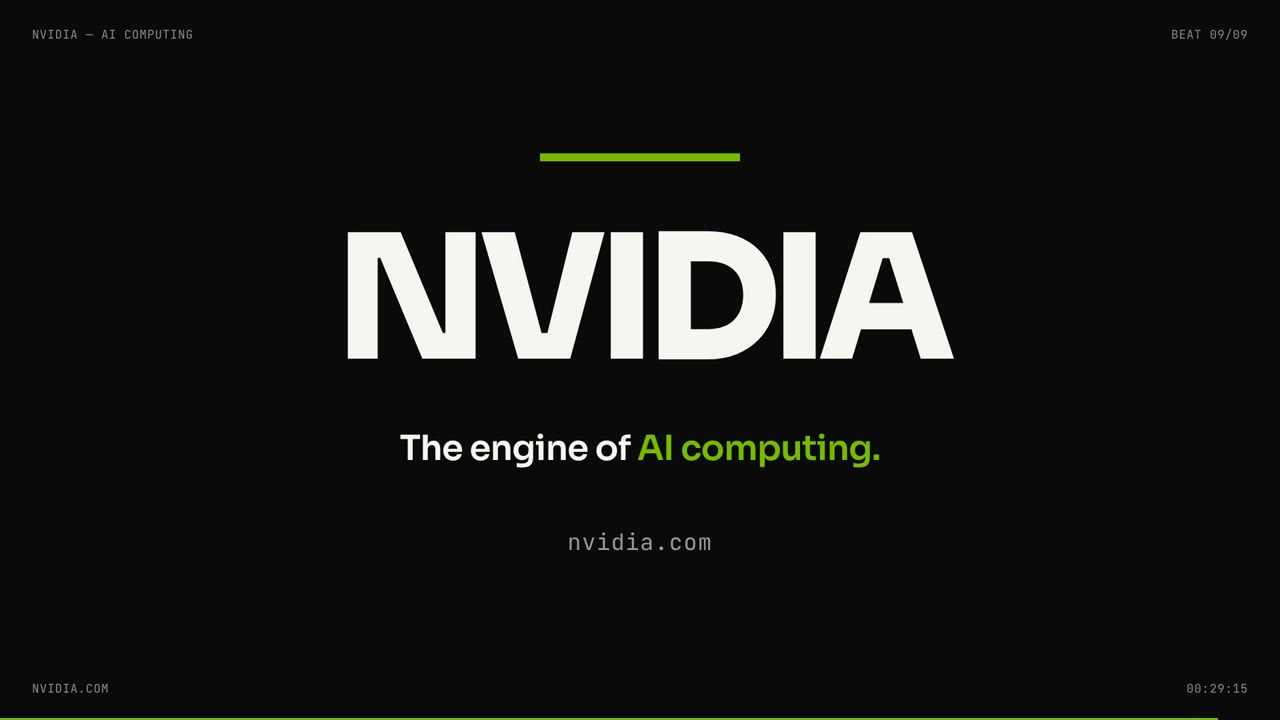 |
| Jev | typesafe.ai | 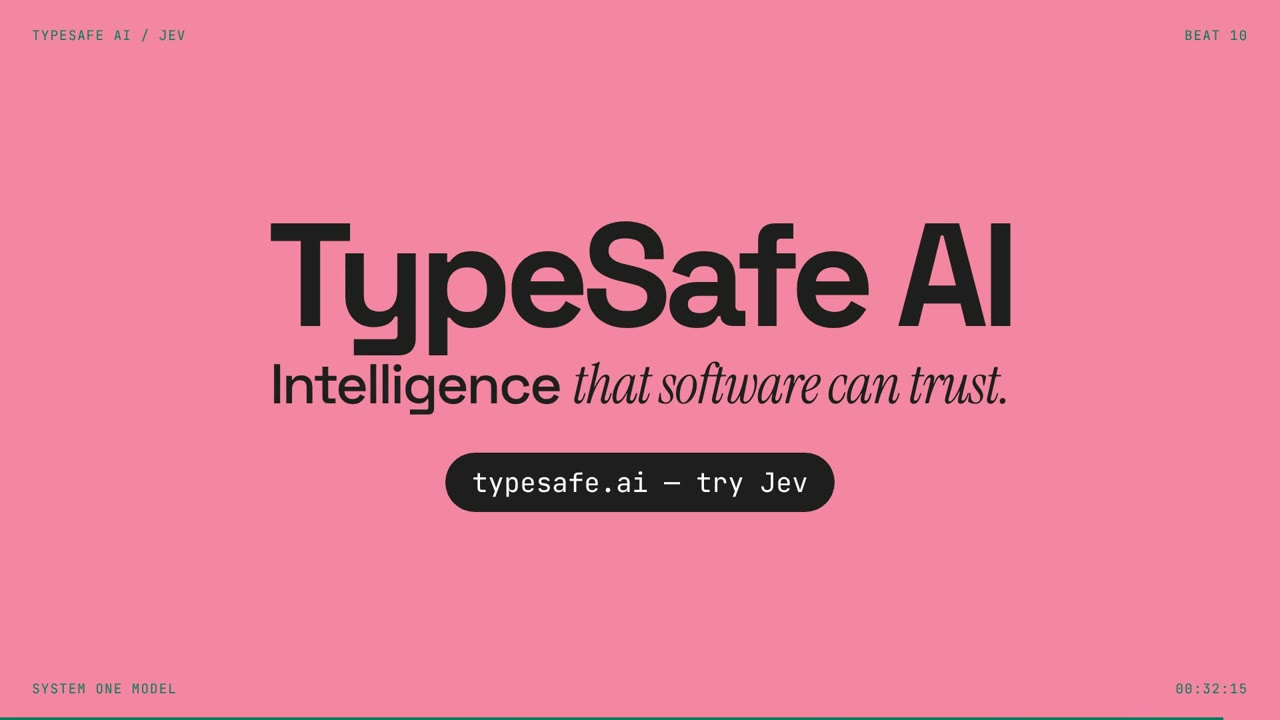 |
| OpenComputer | opencomputer.dev | 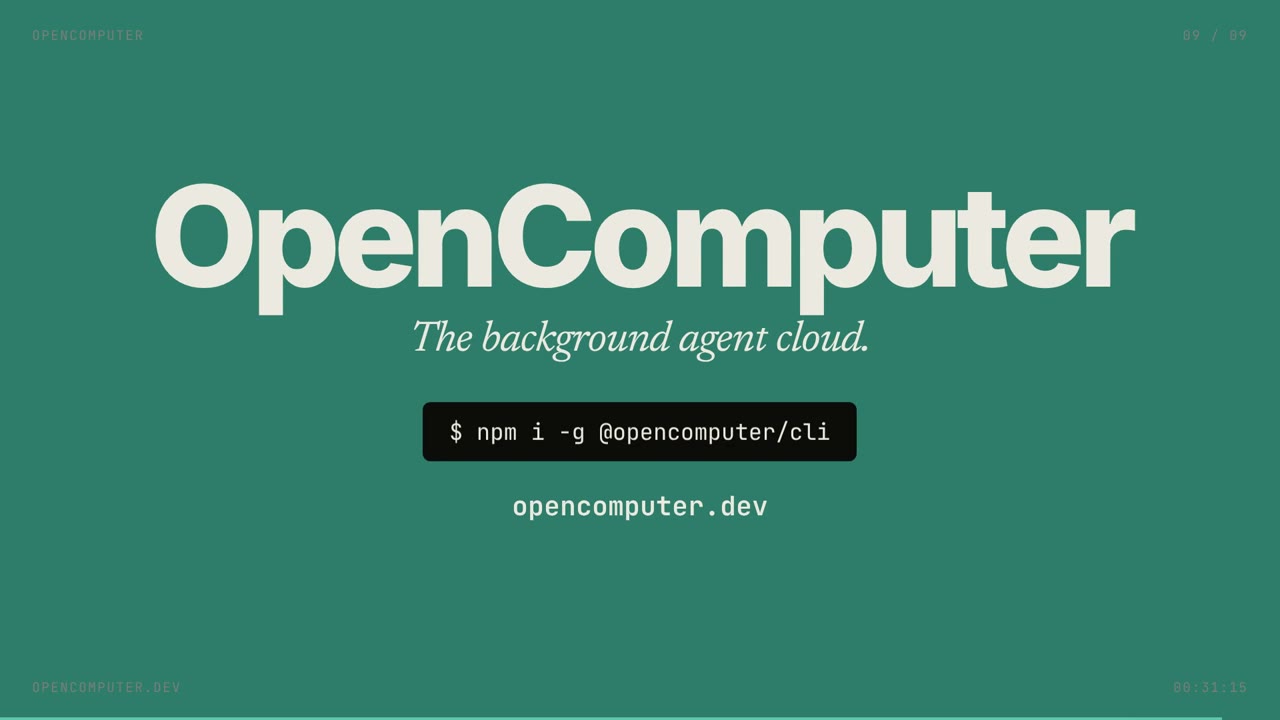 |
| Linear | linear.app | 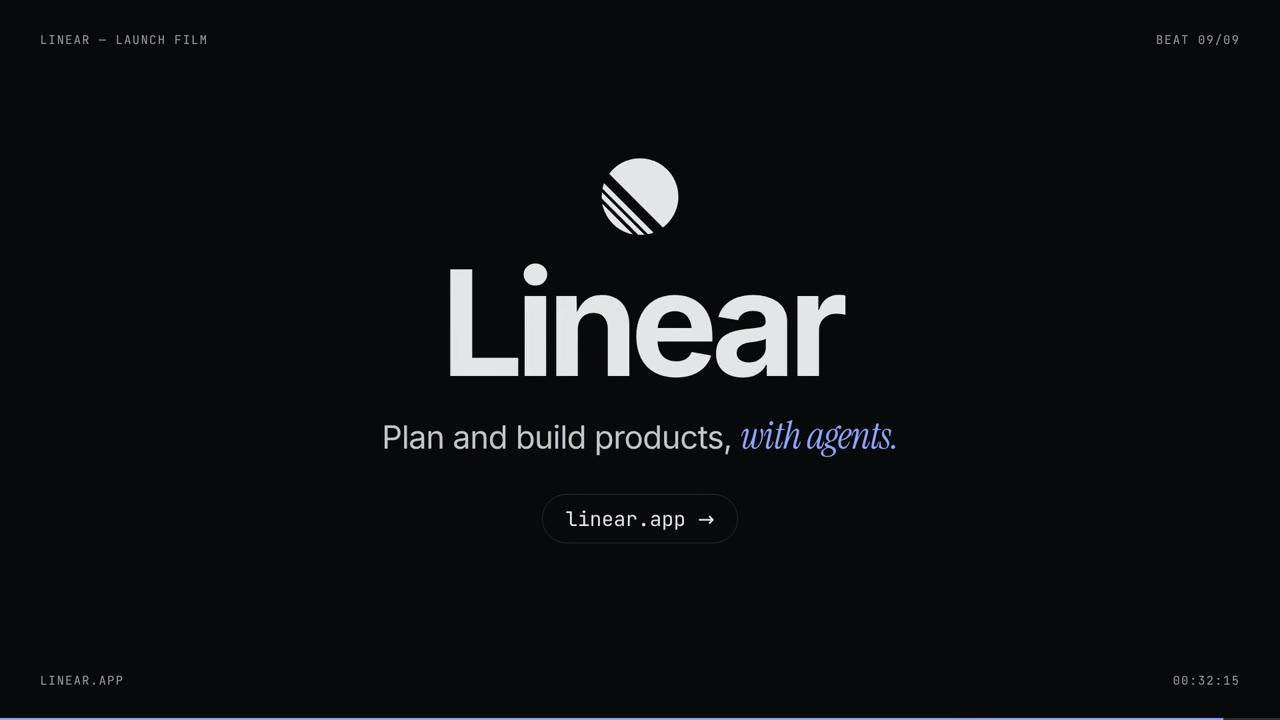 |
| Infera | "make a modern slick and punchy video for a modern startup that works on inference" | 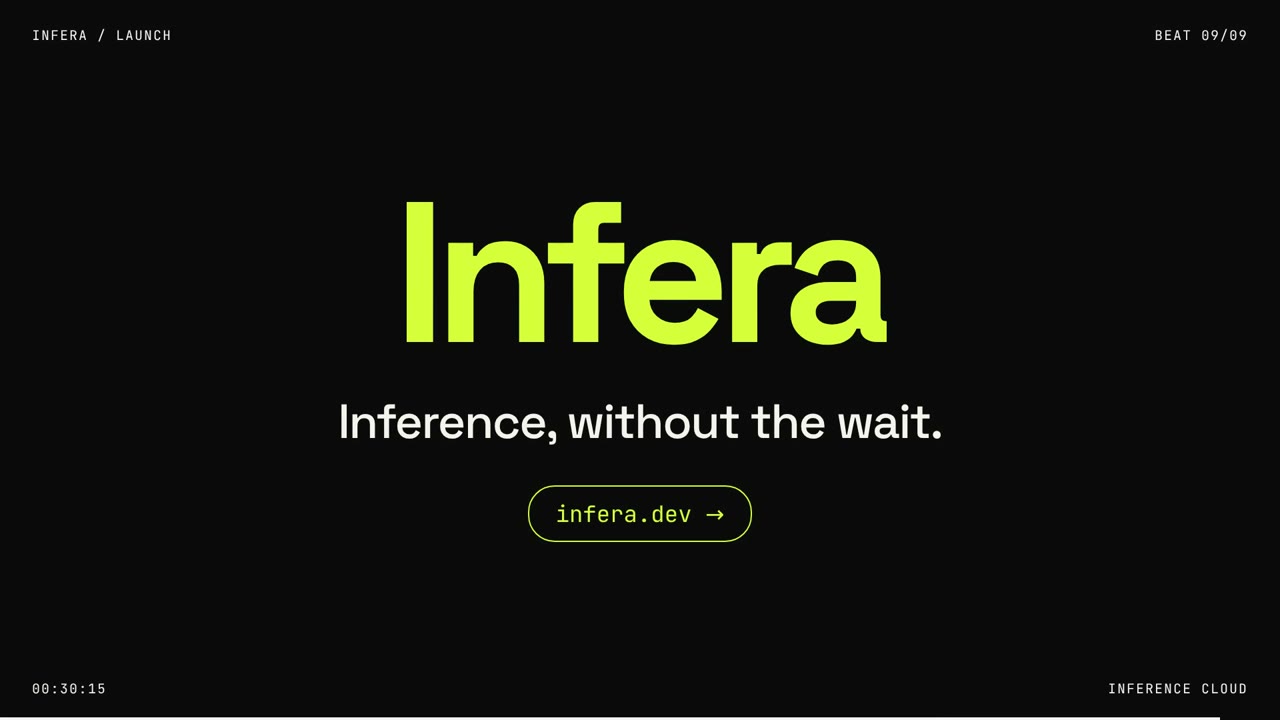 |
⚙️ How the System Operates
The entire product is remarkably lean, consisting of just one agent file, three specialized tools, and a single input form.
The heavy lifting is handled by OpenComputer, which manages:
- The serverless agent.
- The microVM used for rendering.
- The model gateway.
- The session API (which the frontend polls).
The Technical Stack
- Agent: A serverless OpenComputer agent written in
TypeScriptand deployed viaopencomputer deploy. - Brain:
anthropic/claude-opus-5.5accessed through the OpenComputer gateway. - Token Volume: Each film consumes approximately input tokens and output tokens (the bulk of which is the generated HTML).
Runtime Environment
Every single job triggers a fresh, isolated microVM with the following specs:
- OS: Amazon Linux 2023 (arm64)
- Hardware: 4 vCPU / 8 GB RAM
- Environment: Node 22
The Rendering Pipeline: The process begins by installing a static
ffmpegand Playwright's headless Chromium (taking seconds). Once the video is rendered, the VM is immediately destroyed.
🛠️ The Toolset
The agent utilizes three primary tools to bridge the gap between a URL and a video:
web_fetch: Scrapes the target page for text, titles, headings, primary hex colors, and Google Fonts.check_scene: Loads the generated film to detect JS errors and verify visible text at specific timestamps.renderVideo: Orchestrates the flow from Headless Chromium ffmpeg Vercel Blob.
The Secret to Consistency:
To ensure the video is identical every time, the system replaces standard browser clocks (Date, timers, requestAnimationFrame, and CSS/Web Animations) with a virtual clock. This transforms every frame into a deterministic seek.
Storage Logic: The form generates a Vercel Blob upload token. This token is:
- Scoped to a specific path.
- Valid for three hours.
- Stored in a per-job manifest for the tool to retrieve via job ID.
🕹️ Control Plane & Implementation
The web interface interacts with the same API as the CLI. It creates a session, sends a turn, and polls the event stream for:
tool.startedtool.completedturn.completed
The process is considered finished once the .mp4 file appears in the Blob storage.
Agent Code Snippet
// opencomputer/agents/director/agent.ts
import { useInput, useModel, useTool } from @opencomputer/agent ;
import { checkScene, renderVideo } from ./tools/scene.js ;
import { webFetch } from ./tools/web.js ;

export default function Agent() {
  const input = useInput(); // Processes the JOB block from the form

  useModel( anthropic/claude-opus-5.5 );
  useTool(webFetch);    // Analyzes the product website
  useTool(checkScene);  // Validates HTML, errors, and text
  useTool(renderVideo); // Chromium -> ffmpeg -> Blob

  return `You are a motion designer who writes code.`;
}
🚀 Get Started
Manual setup is required Everything is automated.
- Create a free account to get the agent, tools, and prompt.
- Clone the repository:
diggerhq/shipvideo(contains the agent, renderer, and web app). - Deploy your own agent using the quickstart.
One-click deployment command:
$ npx opencomputer template deploy https://github.com/diggerhq/shipvideo
This project was inspired by Deedy's insights on Opus 5.5, demonstrating that when a model writes a film as code, the output is perfectly reproducible.