Tiny Brutalism
🏛️ Tiny Brutalism
Developed by: Placeholders
Project Overview
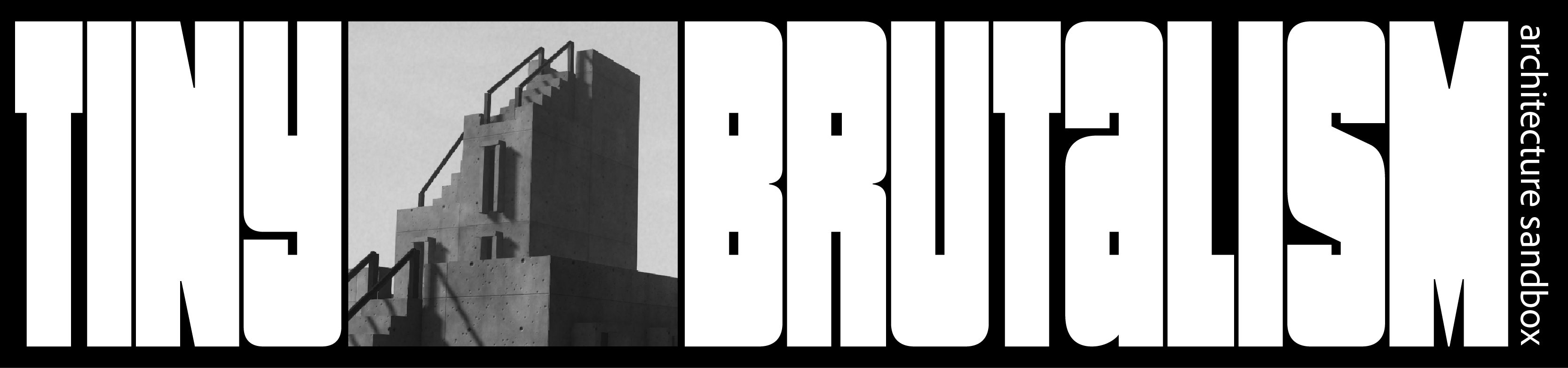
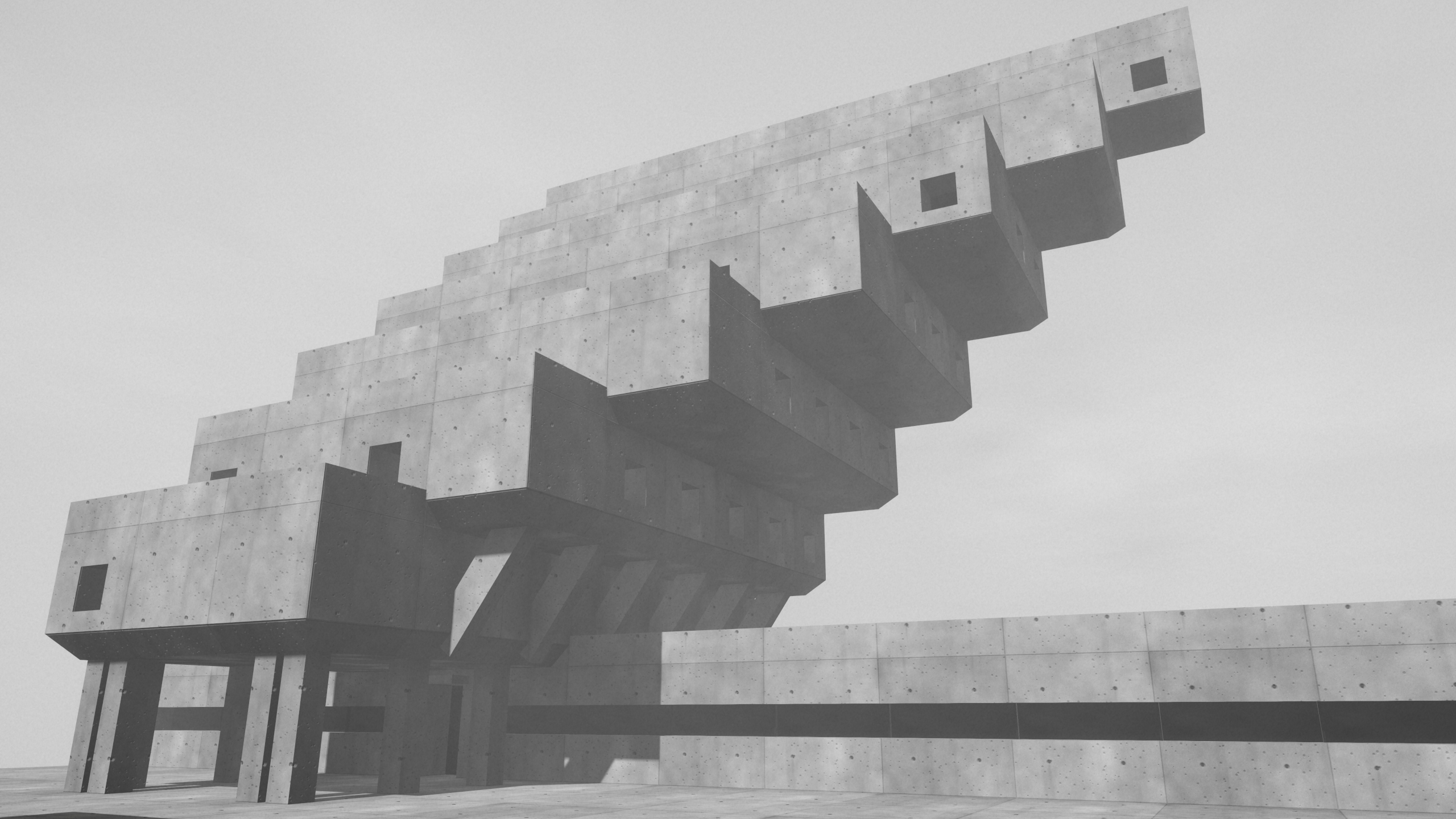
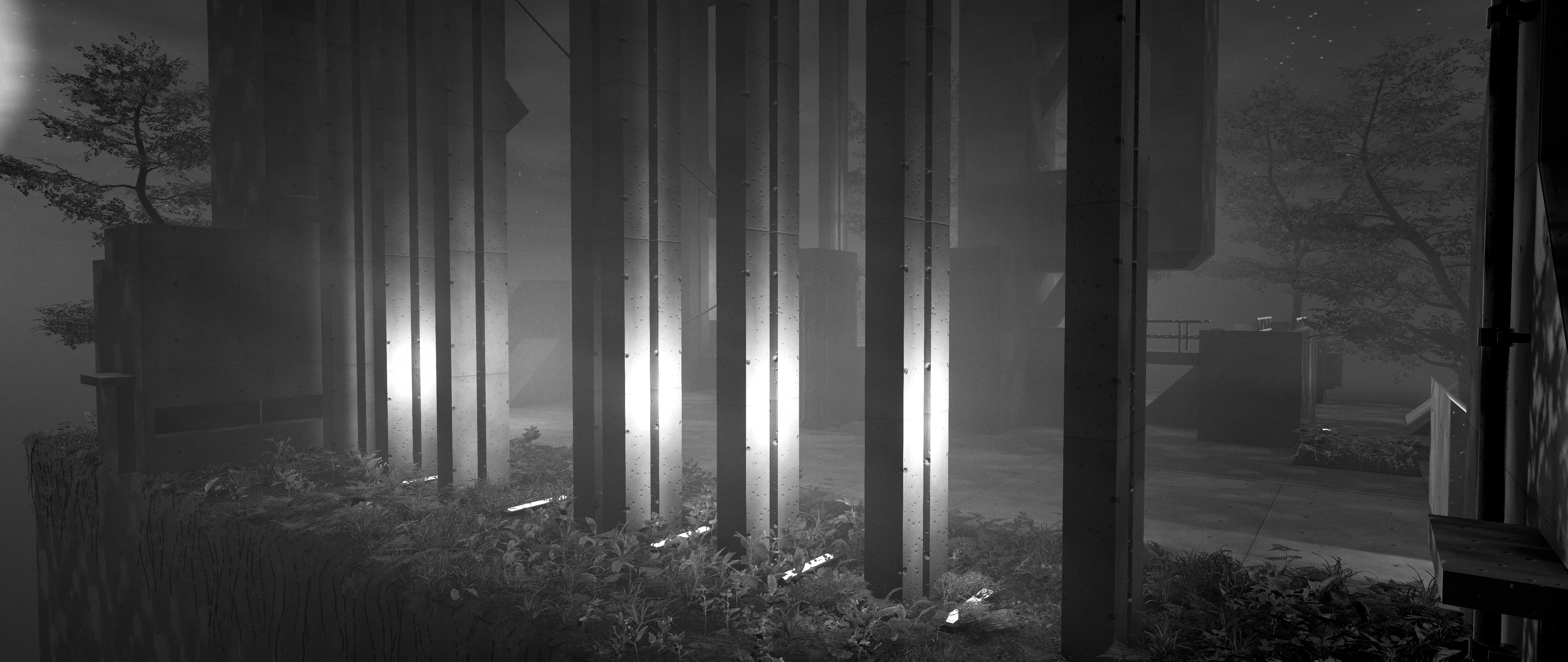
Tiny Brutalism is a serene, freeform construction sandbox designed for those who appreciate the stark beauty of brutalist architecture. It is described as a cozy not-so-cozy architectural tool where players can relax while crafting imposing concrete structures.
Whether you want to design an impossible monolith, a towering concrete spire, a strange monument, or simply a massive, oppressive wall, this game provides the canvas.
🎮 Gameplay & Controls
The interaction model is designed for simplicity and fluidity.
Construction Tools
- Build:
Click(Hold the button to fill larger areas) - Demolish:
Shift+Click - Cycle Variants:
Hold+Scroll - Revert Action:
Ctrl/Cmd+Z - Environment: Click the ☀️ icon to switch between day and night.
- System:
Escopens the menu, settings, and plot size options.
Navigation
| Action | Input |
|---|---|
| Orbit | Right-drag |
| Pan | Middle-drag |
| Zoom | Scroll wheel |
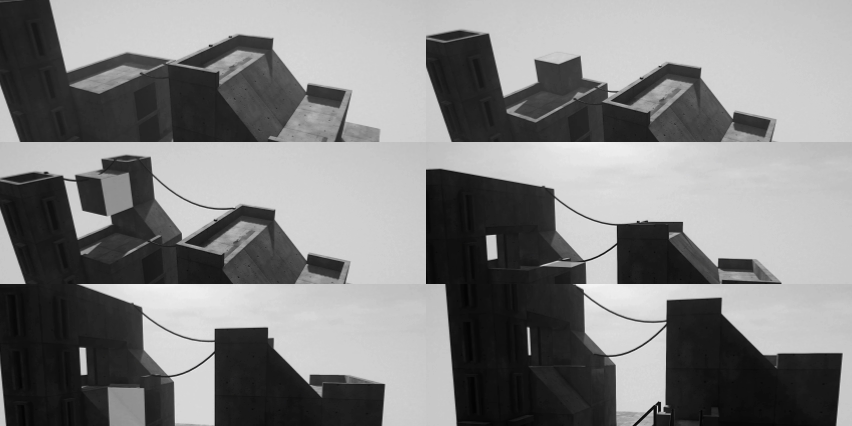
The Building Logic
🛠️ Technical Specifications
The game is built using the Unity engine and utilizes AI-assisted coding.
Pricing & Access: The minimum entry cost is \text{Price} \ge \5.00 \text{ USD}$.
Availability:
- Status: Released
- Published: 7 days ago (Updated 2 days ago)
- Rating: stars (based on 8 ratings)
- Tags:
Black and White,Brutalism,Relaxing,Sandbox
Downloadable Packages:
TinyBrutalism-windows-x64-0.2.0.zip(88 MB)TinyBrutalism-mac-0.2.0.zip(101 MB)TinyBrutalism-linux-x86_64-0.2.0.zip(112 MB)
📜 Development & Community
Latest Update: The Eco-Brutalism Update was deployed 3 days ago.
User Testimonials
"I can see it being very useful for generating references for my drawings!" — Wizardthieffighter
"As a self proclaimed eco-brutalist lover this scratches that itch very deeply for me." — Noah
Community Feedback & Feature Requests
The community has been active in suggesting improvements. Below is a synthesis of the UI/UX critique provided by Noah (a design professional):
| Feature | Current Issue | Proposed Solution |
|---|---|---|
| Foliage Icons | Plant icon places shrubs; Pin icon places trees. | Use a icon for shrubs and a icon for trees. |
| Variant Switching | Hold + Scroll can be imprecise. | Implement a selection menu or a scroll bar with indicator dots. |
| Time of Day | Sun icon is easy to overlook. | Split the UI bar: top half for sun angle, bottom half for night. |
| Undo/Redo | Missing from the visual UI. | Add dedicated on-screen buttons for Undo and Redo. |
Other Notable Discussions
- Controls: asadok mentioned that the camera controls could be better optimized for touchpads to reduce excessive double-finger dragging.
- Utility: AppleHeck and HienaDev inquired about export capabilities (e.g., FBX or Unity packages) to use the game as a prototyping tool.
- Clarifications: The Vault struggled with the variant controls until oh_hellie clarified:
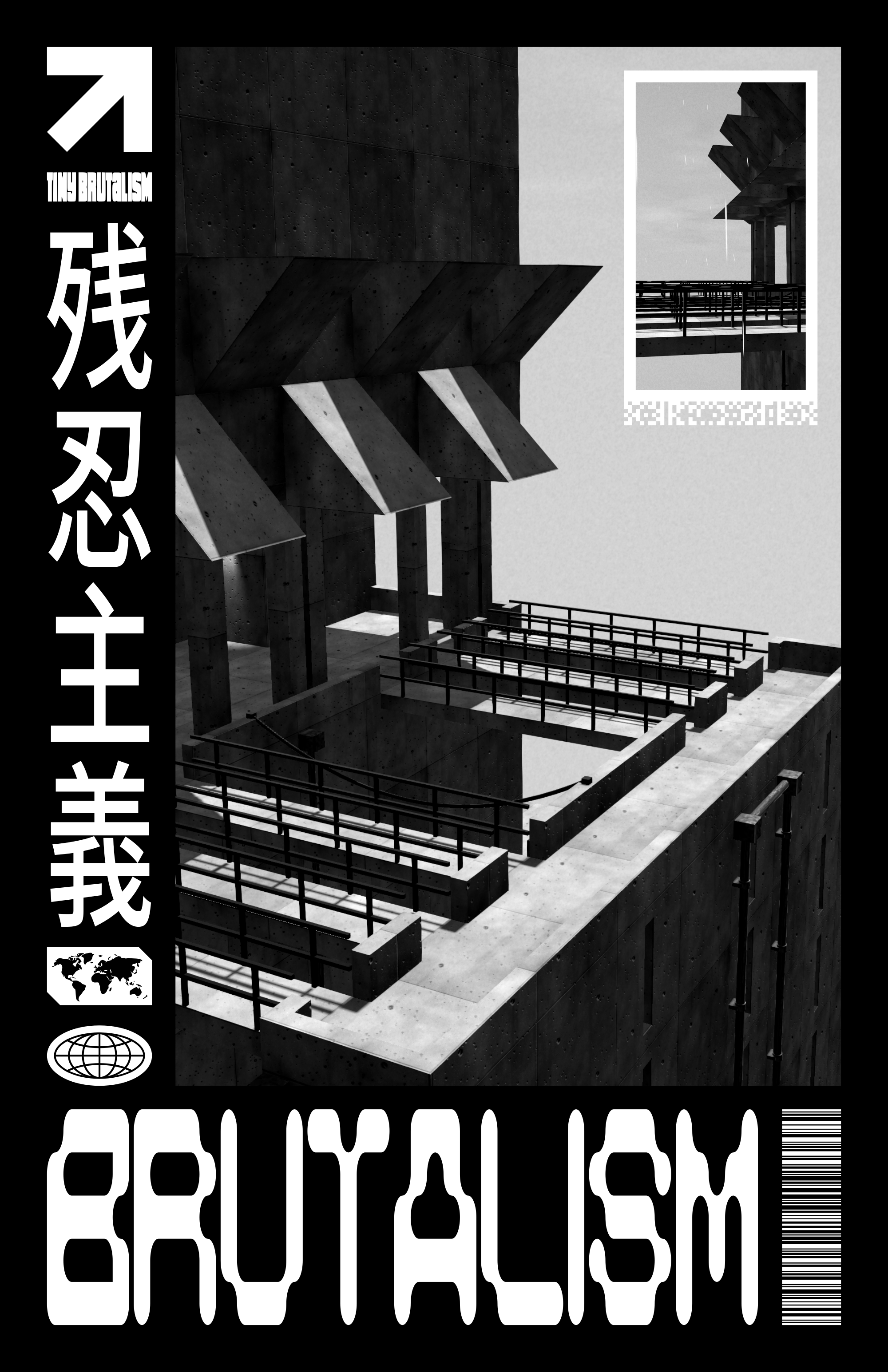
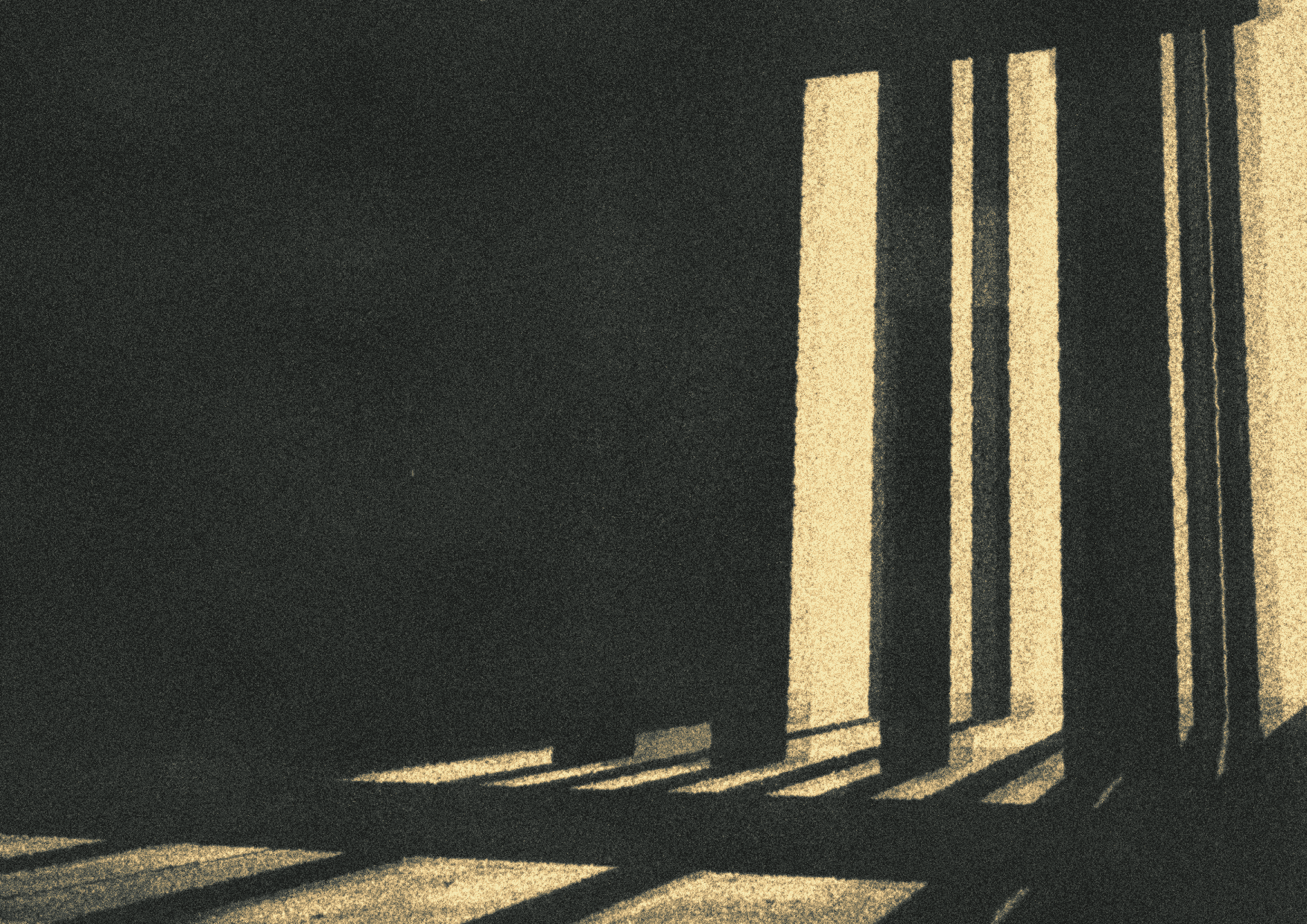
Hold Left Mouse ButtonScroll. - Creative Output: Portland Horton shared a custom poster inspired by the game, which the developer (Placeholders) found "rad."
🚀 Future Roadmap (Community-Driven)
Based on user comments, the following tasks would improve the experience:
- Add "half-block" increments for finer detail (Requested by Fishy).
- Implement more concrete texture variations.
- Add colored lamp variations.
- Create an export system for external 3D software.
- Refine the fog intensity.
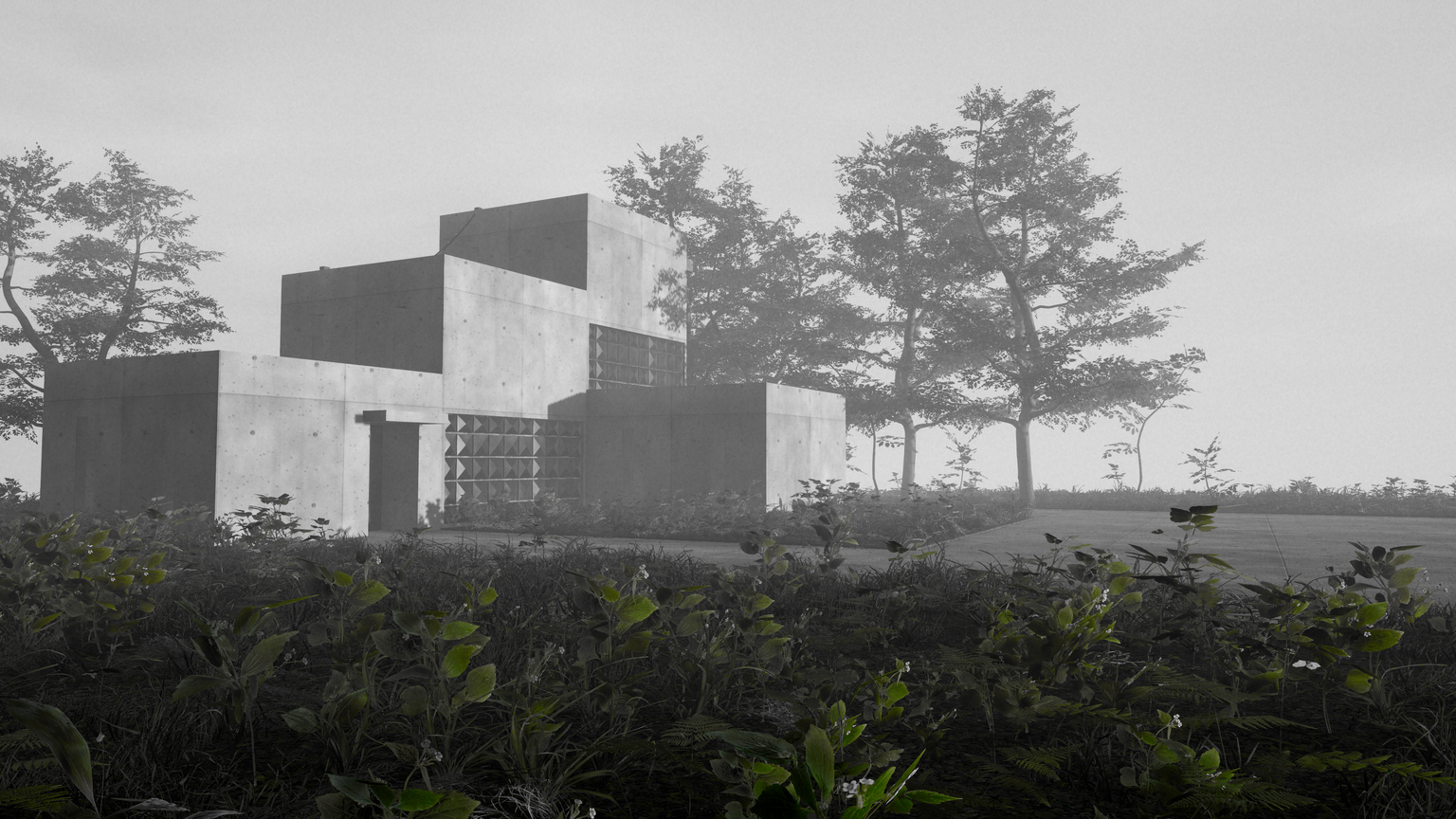
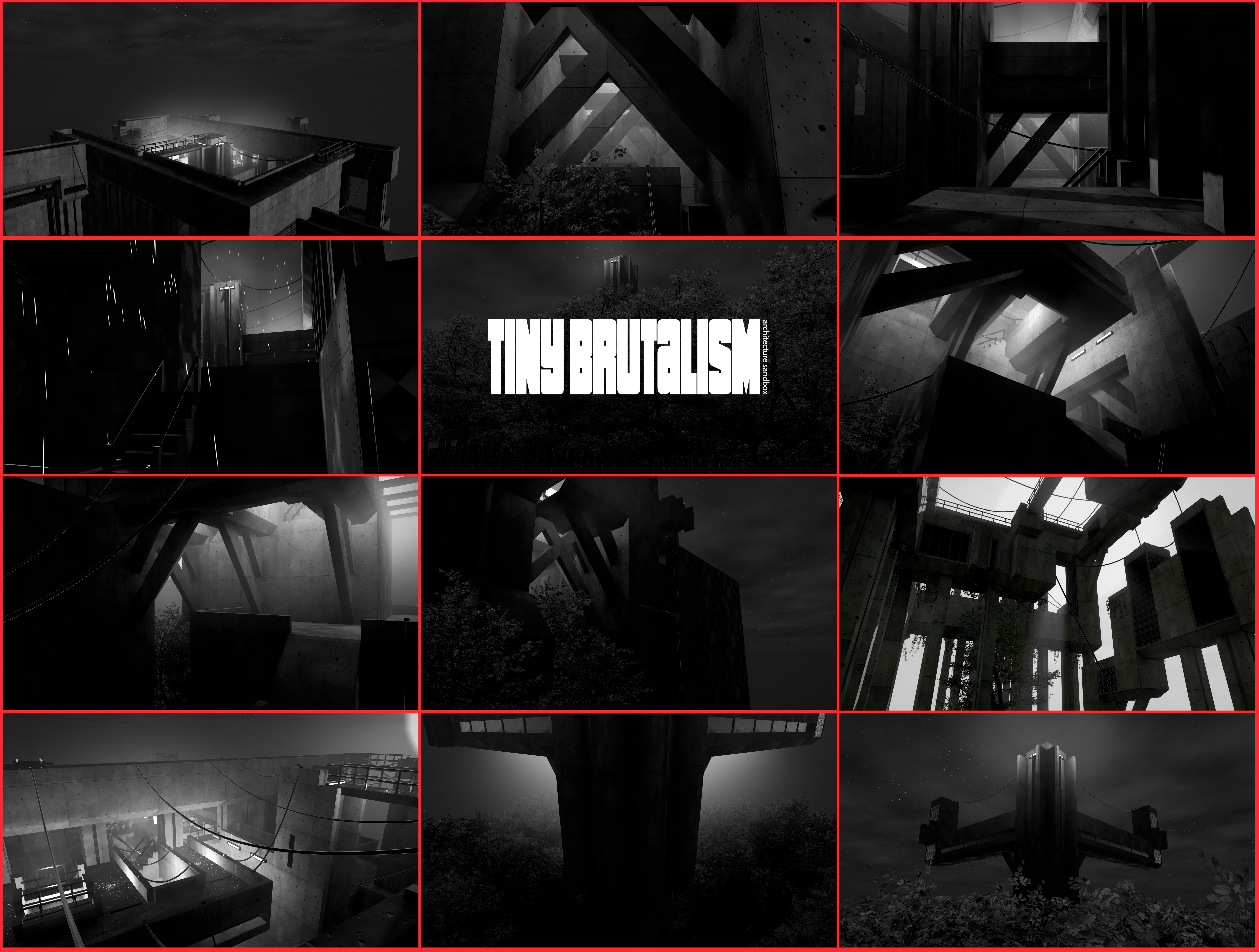
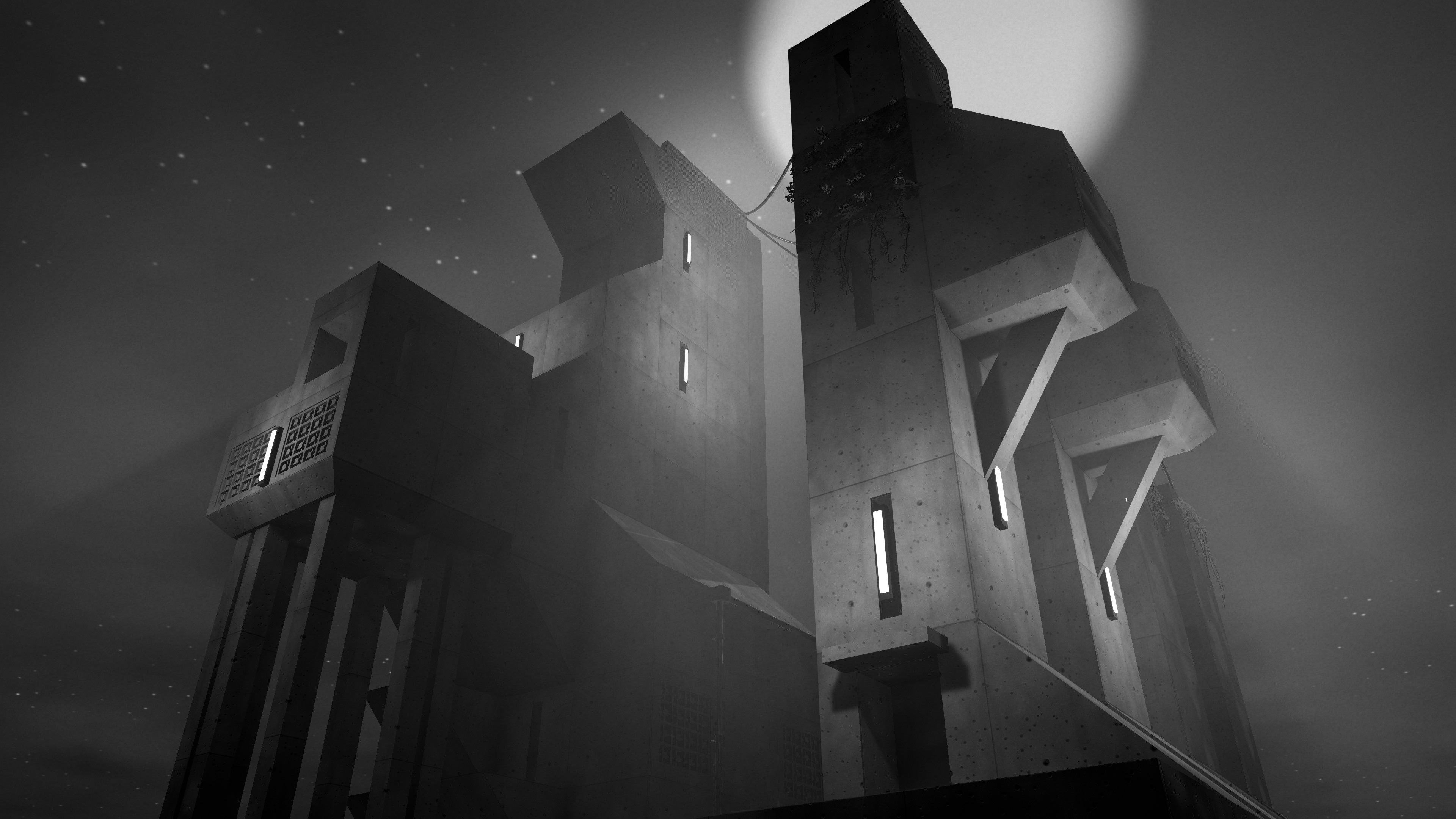
Gallery of Brutalism
{
  "game": "Tiny Brutalism",
  "vibe": "Concrete Zen",
  "status": "Active Development"
}