Picard 3.0
Announcement: Picard 3.0 is Here!
The MetaBrainz team is thrilled to unveil MusicBrainz Picard 3.0, a major milestone for the software. This update is now available for download, bringing a host of modernizations and powerful new tools to your music library.
MusicBrainz Picard serves as the official tagging utility for the MusicBrainz database, designed to help users organize and sanitize their music collections using high-quality metadata.
This version is a significant leap forward, featuring a migration to Qt6, a redesigned plugin architecture, enhanced user interface (UI) elements, improved cover art handling, and new ISRC submission capabilities.
🎨 User Interface Enhancements
At its core, Picard relies on the Qt framework to ensure it runs smoothly across different operating systems. By upgrading to Qt6, the developers have ensured the app remains compatible with modern desktop environments.
Visual & Functional Upgrades
- Scaling & Themes: Support for screen scaling has been vastly improved. Specifically, Windows users will find that
inconsistent font scalingis now a thing of the past. - Dark Mode: A native dark mode is now available across all platforms. Best of all, you can toggle between light and dark themes without needing to restart the application.
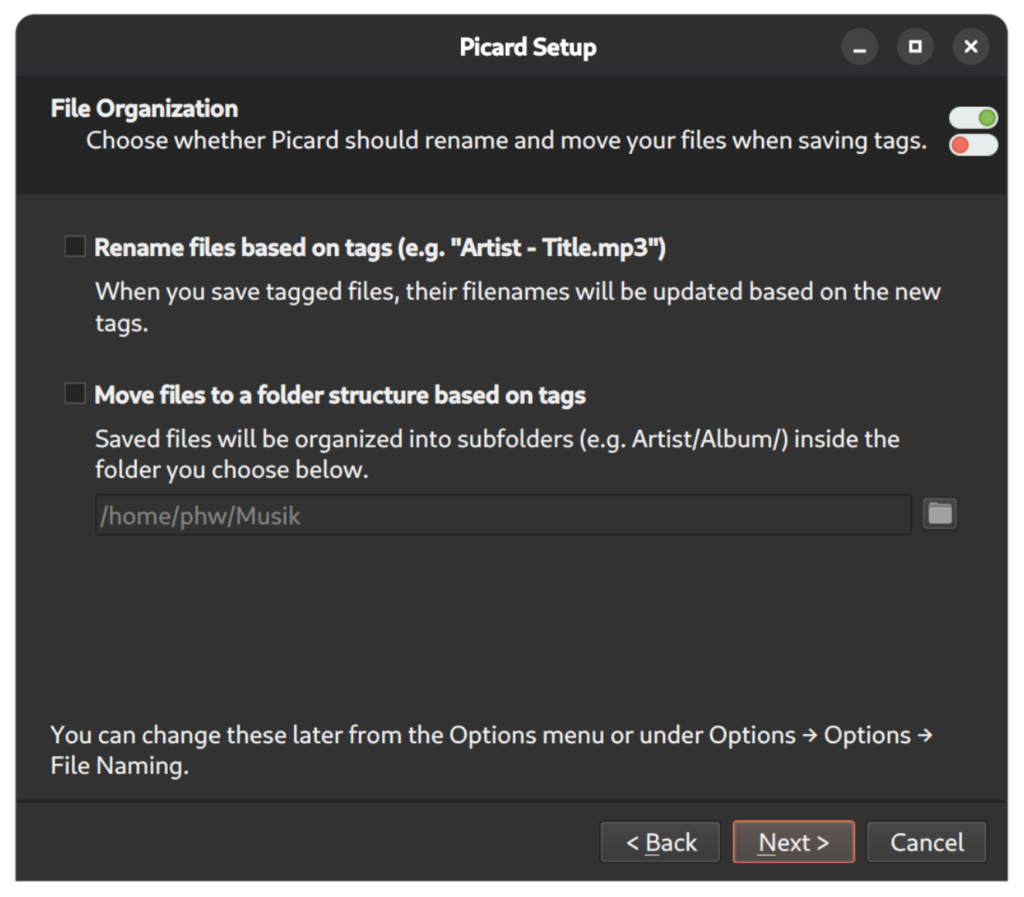
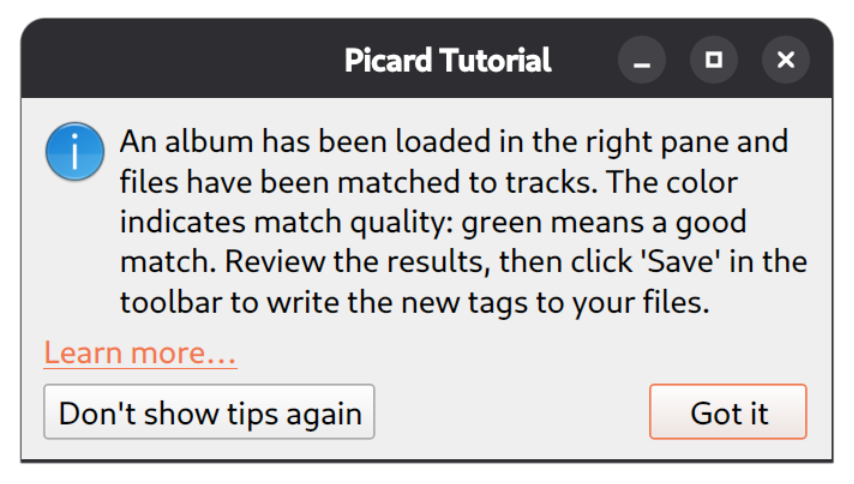
- Onboarding: To help newcomers, Picard now features:
- A Setup Wizard to guide initial configuration.
- Tutorial Mode that triggers when a feature (like clustering or loading files) is used for the first time.
- Note: Both can be toggled in the options menu.
Data Management & Customization
Thanks to contributions from knguyen1 and jpmsousa03, the way you view your music has changed:
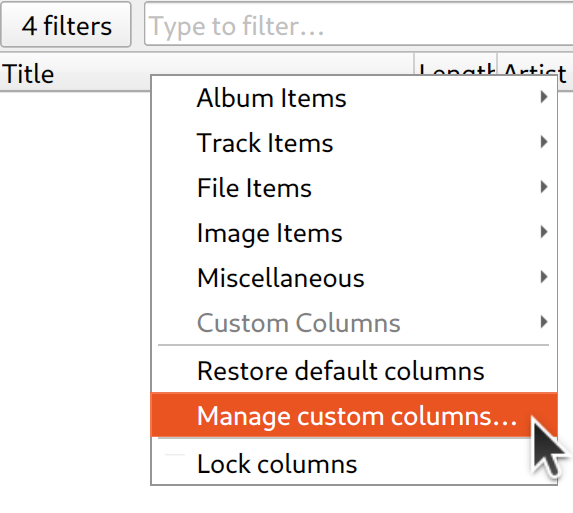
- Custom Columns: You are no longer limited to a few presets. You can now create your own columns using scripting to display exactly the data you want.
- Match Column: A new default column allows users to sort releases based on their match quality.
- Filtering: List views can now be filtered for easier navigation.
- Metadata Interaction: You can now select and copy multiple tags simultaneously to paste them into other apps (like spreadsheets). Additionally, the metadata view now explicitly highlights the (difference) between current tags and the new proposed tags.

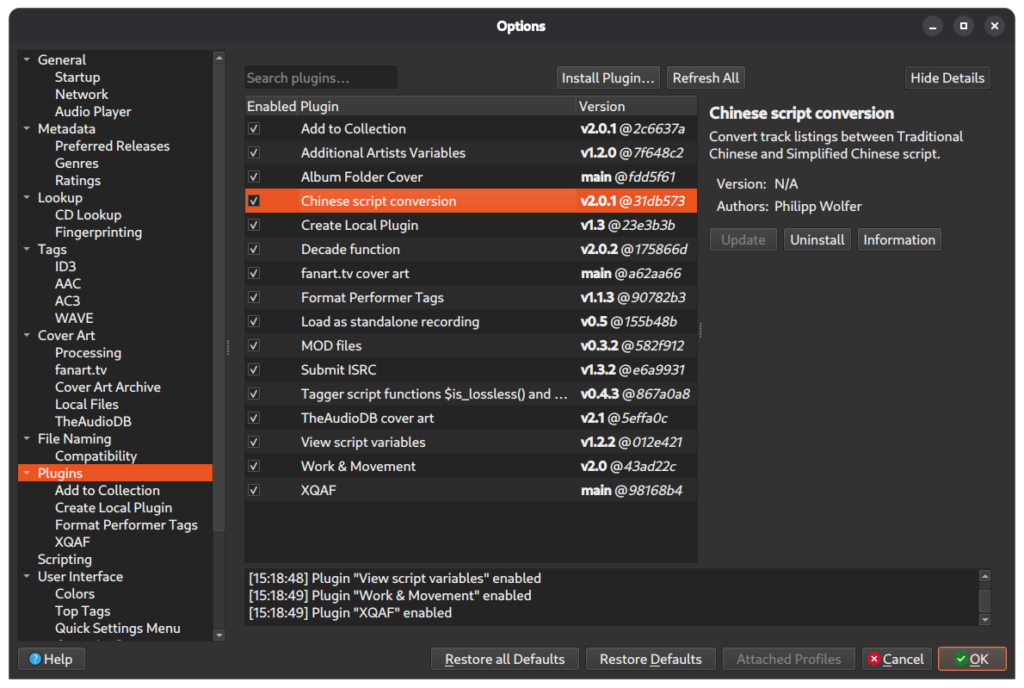
🔌 The New Plugin System
The shift to a new plugin architecture is perhaps the most technical and impactful change in version 3.0. The previous system had flaws: it loaded all plugin code on startup regardless of whether they were enabled, leading to potential instability and a difficult workflow for third-party developers.
Comparison: Old vs. New
| Feature | Picard 2.x System | Picard 3.0 System |
|---|---|---|
| Loading | All code loaded at start | Only enabled plugins run |
| Distribution | Central Git repository only | Registry, Git, or Local folders |
| Metadata | Implicit | Mandatory MANIFEST.toml |
| API | Loose | Defined API with typing support |
| Security | Limited control | Central blacklisting & trust levels |
Technical Capabilities
The new system introduces several advanced features for developers and power users:
- Trust Tiers: Plugins are categorized as Official, Trusted, Community, or Untrusted.
- CLI Management: A new
picard-clitool allows for the installation, updating, and removal of plugins via the terminal. - Localization: Plugins now have their own translation systems (compatible with Weblate).
- Expanded Extension Points: Beyond the usual metadata processors and context menus, plugins can now register:
- Cover art filters/processors.
- Custom variables.
- Global "Plugin Tools" menu actions.
- CD ripping log formats.
# Example conceptual use of the new CLI tool
picard-cli plugin install <plugin-name>
picard-cli plugin update --all
Migration Note
Because the architecture has changed so fundamentally, v2 plugins are not compatible. They must be rewritten or migrated. Currently, about 30 plugins have already been ported or created for v3.
🖼️ Cover Art Processing
Implemented by twodoorcoupe as part of the Google Summer of Code 2024, the new cover art system allows for much more granular control.
New Capabilities:
- Filtering: Ignore images that fall below a specific size threshold.
- Processing: Automatically resize images upon loading.
- Conversion: Convert images to a preferred file format.
These features are also extensible; plugins can now register their own specific filters (to decide what is loaded) and processors (to decide how it is modified).
Summary Checklist of Version 3.0
- Upgrade to Qt6
- Dark Mode (No restart)
- Scriptable Custom Columns
-
MANIFEST.tomlbased Plugin System -
picard-clitool - GSoC 2024 Cover Art Processing
- New User Setup Wizard & Tutorials