Show HN: I turned my iPhone and a $20 smart plug into an f-stop timer
Show HN: Transforming an iPhone and a $20 Smart Plug into an f-stop Timer

Darkplug, created by Péter Szentkirályi, is a specialized iOS application that converts your iPhone into a professional darkroom timer capable of controlling your enlarger via a smart plug.
Core Purpose: Provide film photographers and darkroom enthusiasts with a high-precision timing tool that integrates guided workflows with a hardware-safe interface.

🔴 Engineered for the Darkroom
Darkplug isn't just a stopwatch; it is a dedicated tool for the printing process. It replaces clunky, outdated analog timers with a streamlined digital experience.
Visual Safety & Design
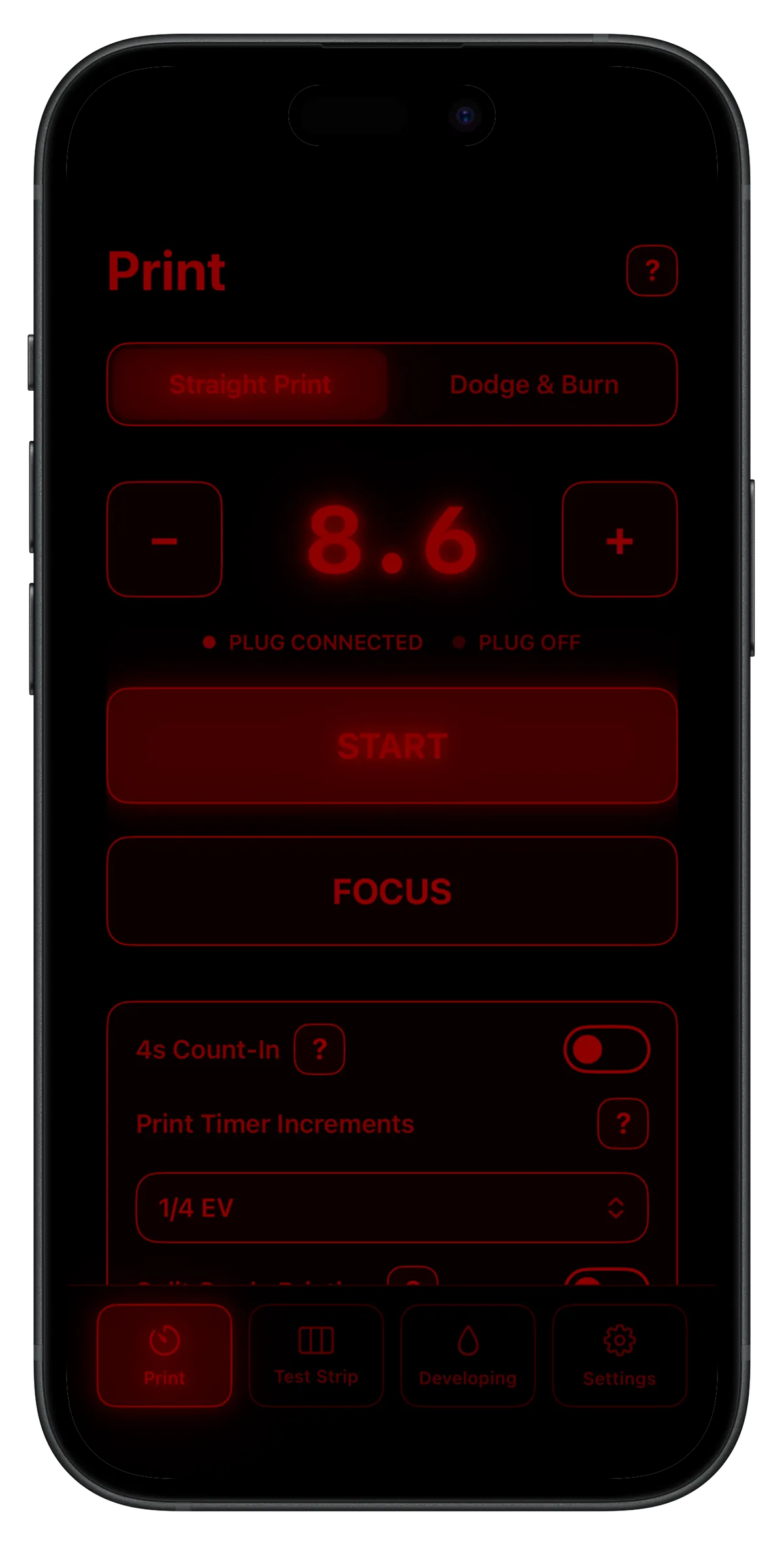
The app utilizes a specific red-on-black color palette. This is critical because the red hue was rigorously tested to ensure it does not fog light-sensitive photo paper. The interface is:
- High-contrast for visibility in dim environments.
- Intuitive, keeping the focus entirely on the exposure.
- Safe, allowing the device to sit directly beside the enlarger.
🛠️ Functional Capabilities
Whether you are performing a simple exposure or a complex multi-stage print, Darkplug handles the logic.
Standard Features
- Straight Printing: Simple, precise timing for single exposures.
- Pre-exposure: Includes an optional 4-second count-in to prepare the paper.
Darkplug+ (Premium Features)
For those requiring professional-grade control, Darkplug+ unlocks a suite of advanced tools:
- F-Stop Integration: Adjust your timer using standard f-stop increments.
- Math Note: Exposure time changes follow the inverse square law, where the relationship between stops is represented as: (where is the number of stops).
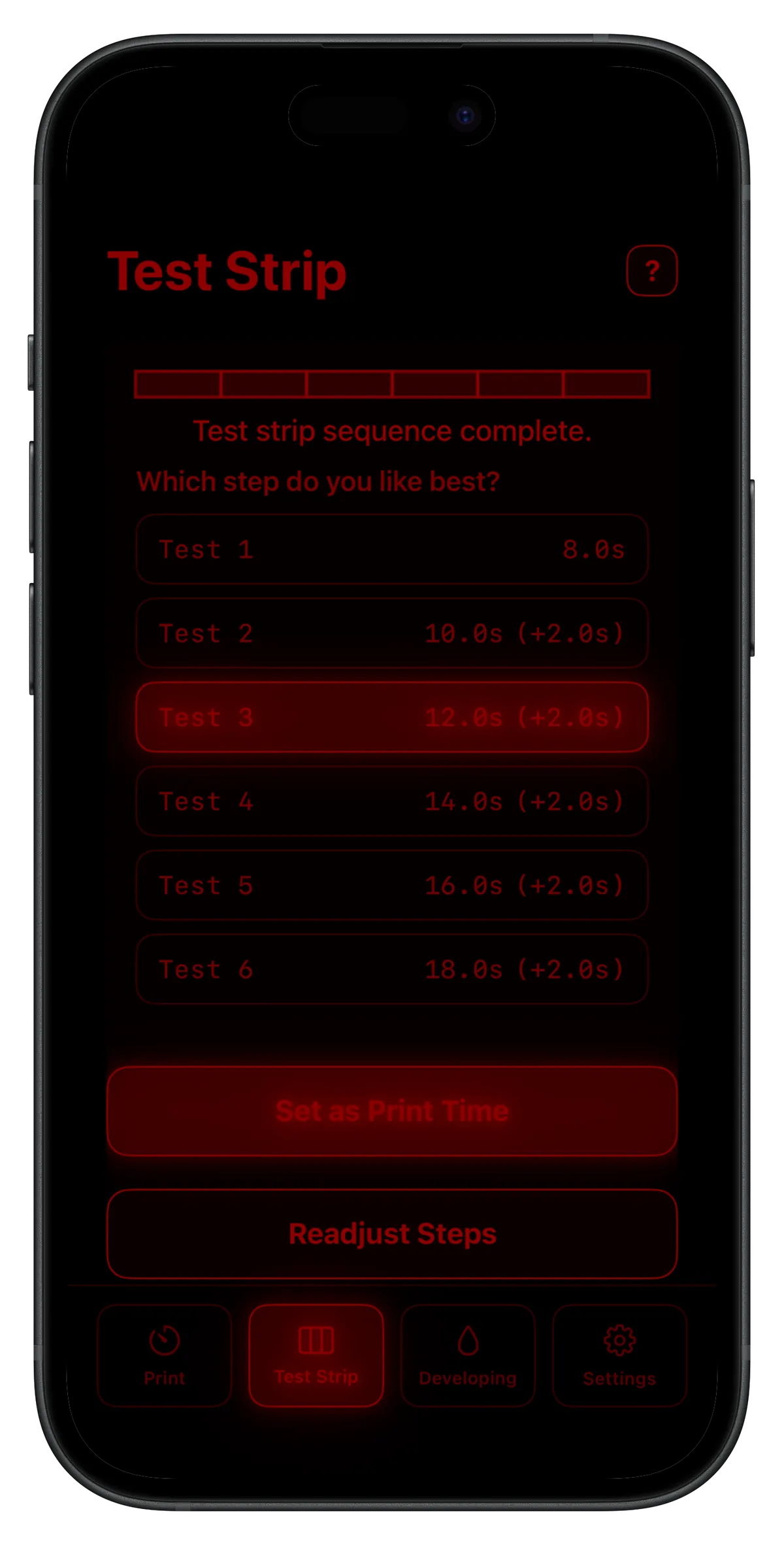
- Guided Test Strips: Execute test strips using either second-based or f-stop-based increments.
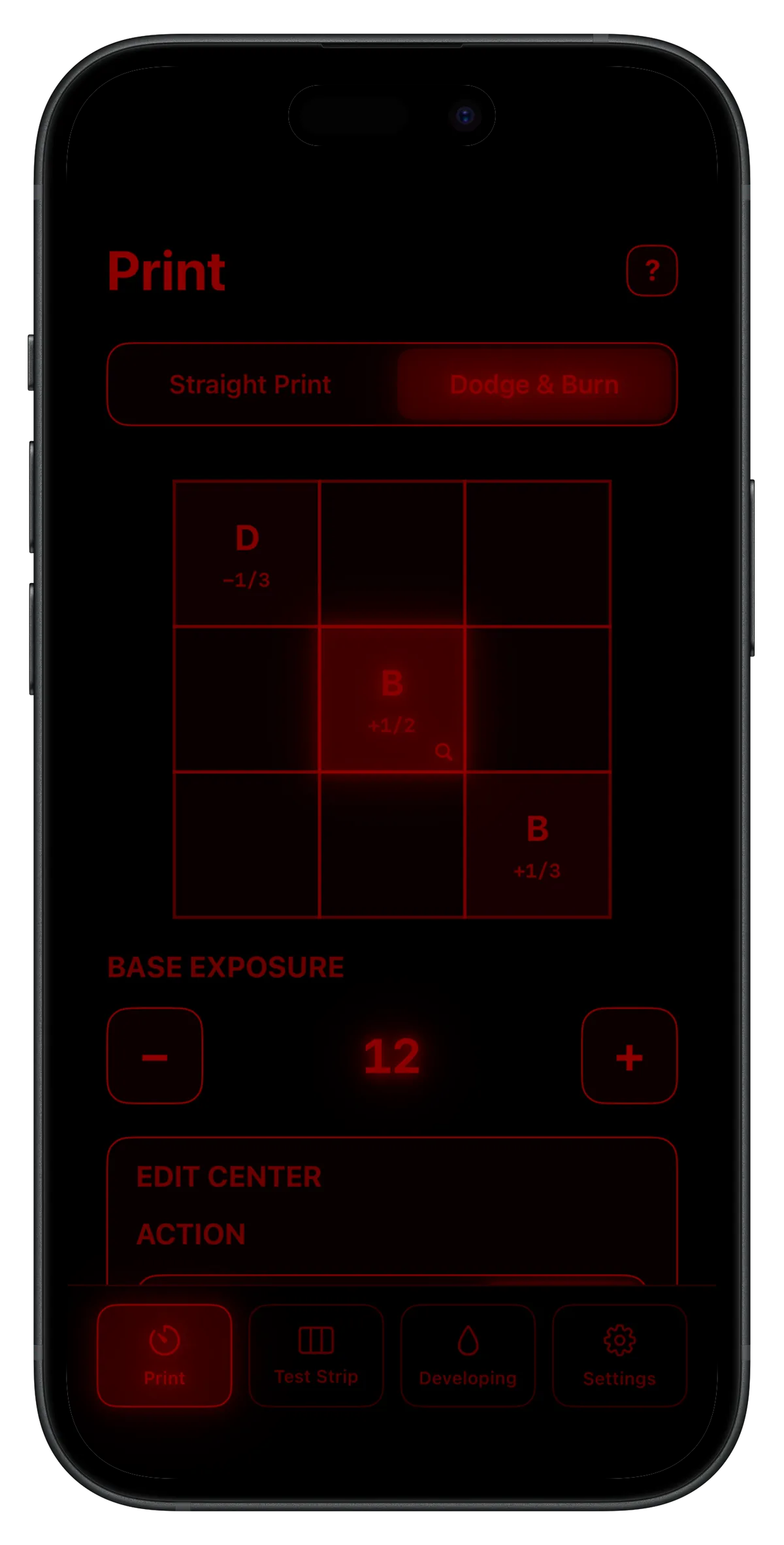
- Dodge & Burn Grid: A unique, easy-to-navigate grid system for planning complex masking sequences.
- Plan Persistence: (Coming Soon) Save your dodge and burn configurations via reusable plan codes.
- Split Grade Timing: A two-channel timer specifically for split-grade printing.
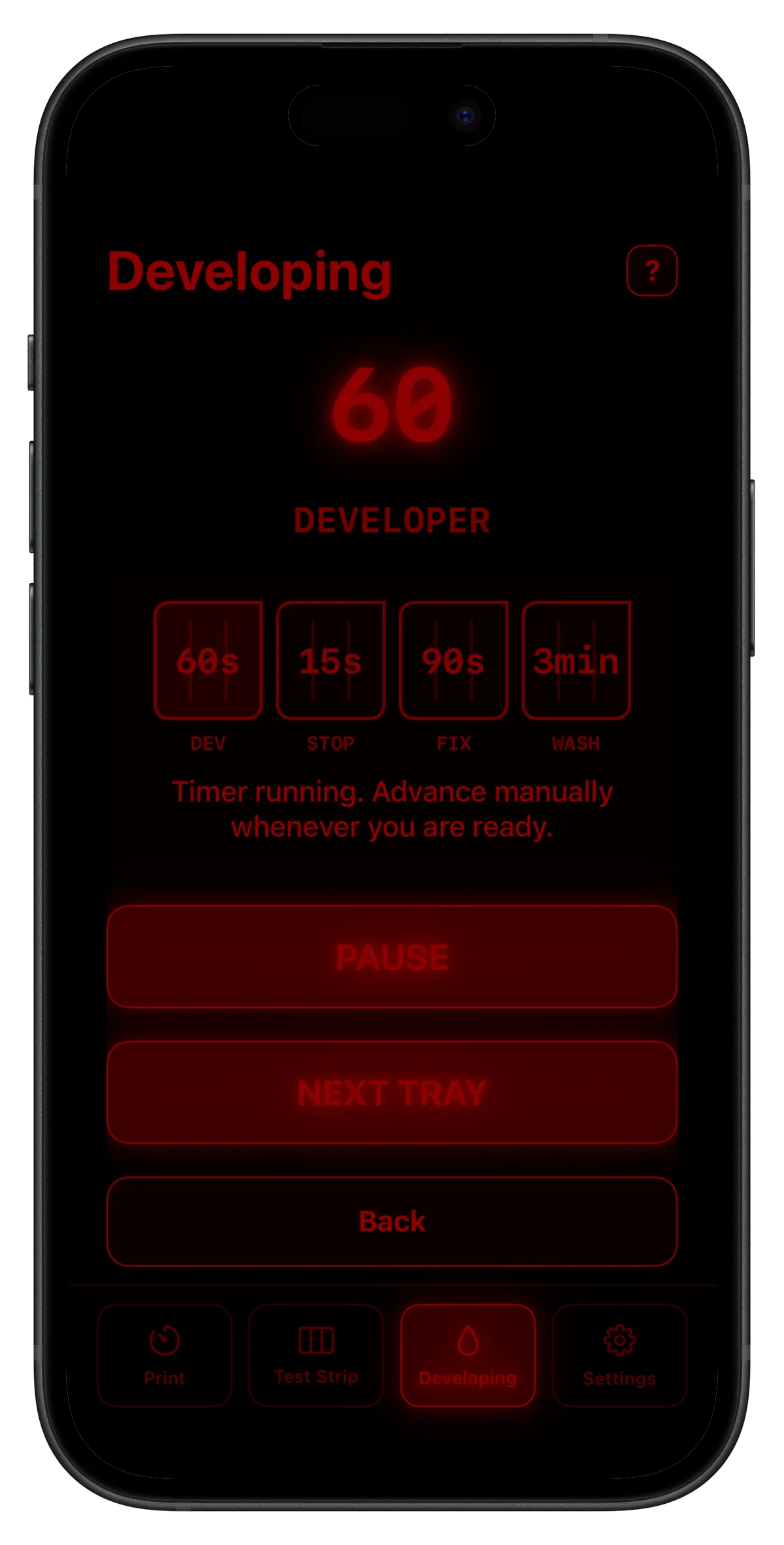
- Developing Timer: A guided assistant for the paper development stage.
⚙️ Technical Implementation
How it Works
The app communicates with your hardware over your local area network (LAN).
Setup Checklist
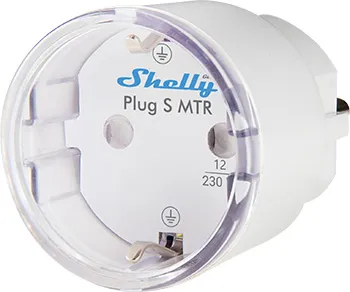
- Install a compatible Shelly smart plug.
- Connect the plug to your local Wi-Fi.
- Identify the
local IP addressof the plug (e.g.,192.168.1.50). - Ensure your iOS device is on the same network.
- Enter the IP into Darkplug to establish control.
🔌 Hardware Compatibility
Darkplug is designed to work specifically with Shelly brand smart plugs. The following models are supported:
| Model | Region/Generation |
|---|---|
| Shelly Plus Plug S | Gen2 🇪🇺 |
| Shelly Plus Plug UK | Gen2 🇬🇧 |
| Shelly Plug S | Gen3 🇪🇺 |
| Shelly Outdoor Plug S | Gen3 🇪🇺 |
| Shelly Plug M | Gen3 🇪🇺 |
| Shelly Plug US | Gen4 🇺🇸 |
🖼️ The Result
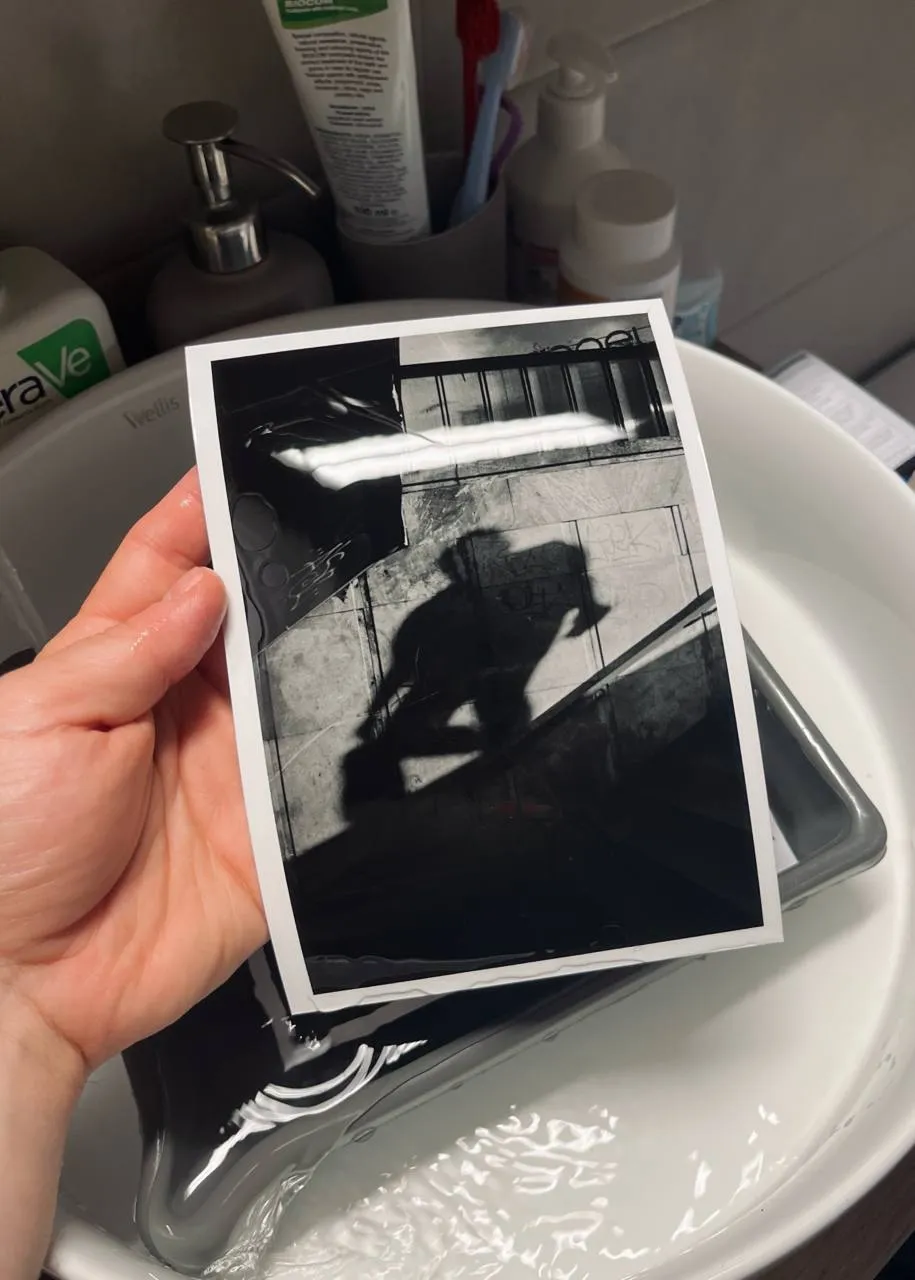
By combining affordable smart home hardware with a specialized software interface, you can achieve professional results:
Support & Legal
- Contact: For feedback or technical assistance, reach out via email at
fill.cans82@icloud.com. - Privacy: Please refer to the official Privacy Policy for details on data handling.