Gaussian Splats part 3: There's always a bigger scene
Gaussian Splats Part 3: There's Always a Bigger Scene
Written by Sam Birley | Magnopus
🌌 The Backstory
Fast forward to the year 2025: the industry has completely fallen in love with Gaussian splats, and Magnopus is no exception. In my previous deep dive, I detailed how I migrated our Unreal splat renderer away from Niagara. I rebuilt it using the engine's instanced rendering, where every splat was treated as an instance. The process involved:
- A GPU-side sort every frame to ensure transparency composited correctly.
- A material that rendered each instance as a soft ellipse.
At the time, I was confident enough to claim we had achieved unlimited splat rendering. As it turns out, I celebrated far too early.
🧱 The First Wall: The 16-Million Ceiling
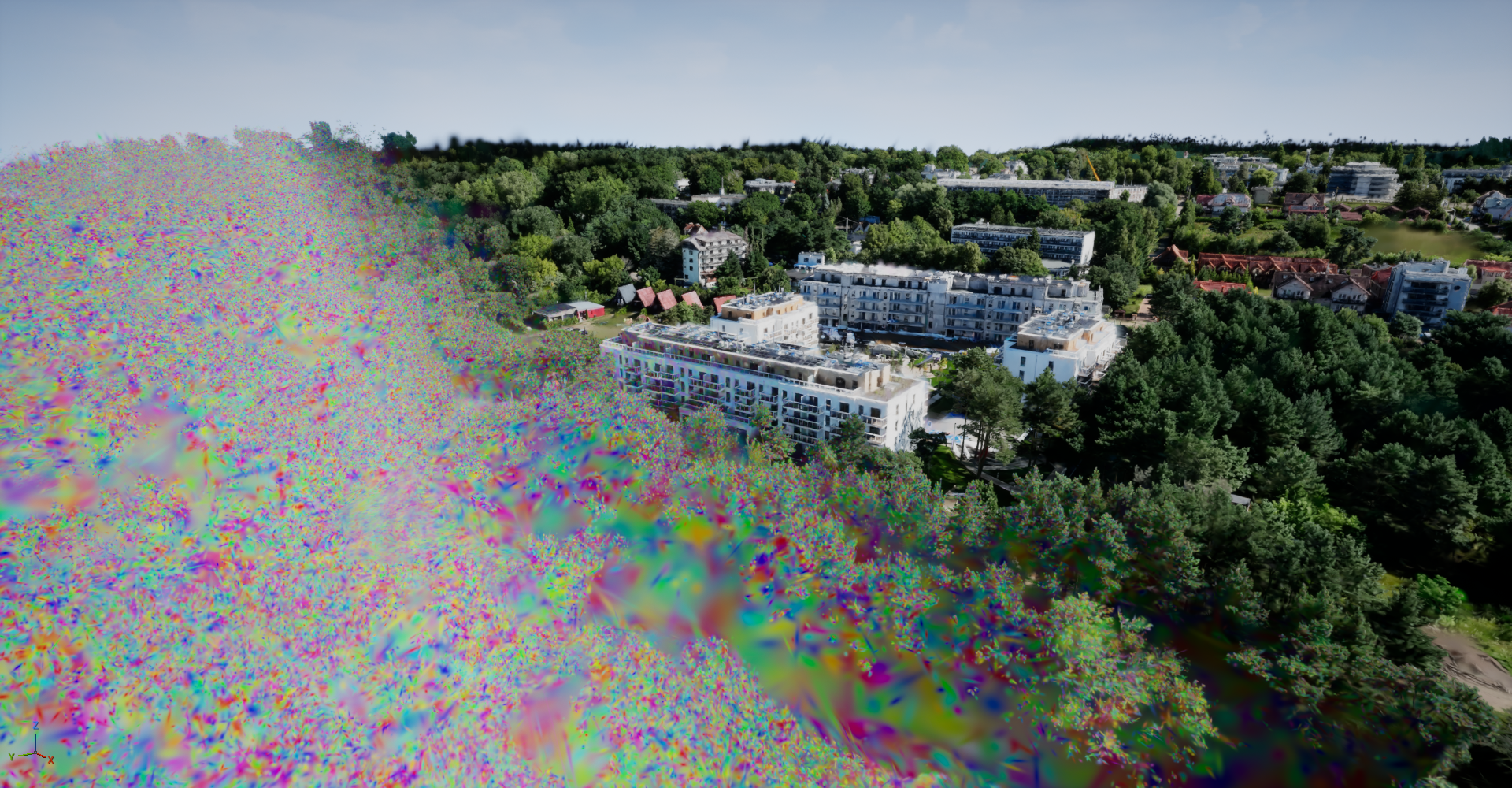
Shortly after publishing, I hit a humbling realization: the renderer I had been showcasing had a hard limit of approximately 16 million splats per asset. While my test cases all fell under this threshold, the ceiling was absolute.
Why the limit existed
The bottleneck was the GPU Scene. In Unreal, registering splats as modern mesh instances means they are handed over to the GPU Scene—a central GPU ledger for world objects.
"While the
GPU Sceneis an incredible tool, it was designed to handle thousands of instances, not tens or hundreds of millions."
When you exceed the instance cap, the system breaks:
- Assets only partially render.
- Visual artifacts and corruptions appear.
- The viewport screams at you with a warning message.
The Technical Pivot
To shatter this ceiling, I had to stop using the GPU Scene entirely. I reverted to a "classic" instance-render pipeline, specifically utilizing DrawIndexedInstancedIndirect.
The Implementation Checklist:
- Bypass
GPU Sceneregistration. - Implement a direct indirect instanced draw.
- Link the indirect draw buffer to the draw count from the sort keygen shader.
- Store all instance data on the GPU using textures.
- Create a custom vertex factory (Unreal's abstraction for vertex shaders/material bindings) to sample sorted buffers and pass attributes to the material.
Comparison: Rendering Architectures
| Feature | GPU Scene Implementation | Indirect Instanced Draw |
|---|---|---|
| Instance Limit | Hard cap at | Virtually unlimited |
| Mesh Requirement | Requires Unreal Mesh asset | Procedural quads in shader |
| Culling | Engine-level | Custom GPU-side frustum culling |
| Rendering Style | Standard Instancing | Bindless-style rendering |
🛠️ The New Pipeline Flow
By moving to a custom vertex factory, we gained several advantages. Since splat meshes are just simple quads, we could derive them procedurally in the shader, removing the need for an actual mesh asset. Furthermore, because we were already iterating over splats for sorting, we could implement advanced per-splat culling on the GPU.
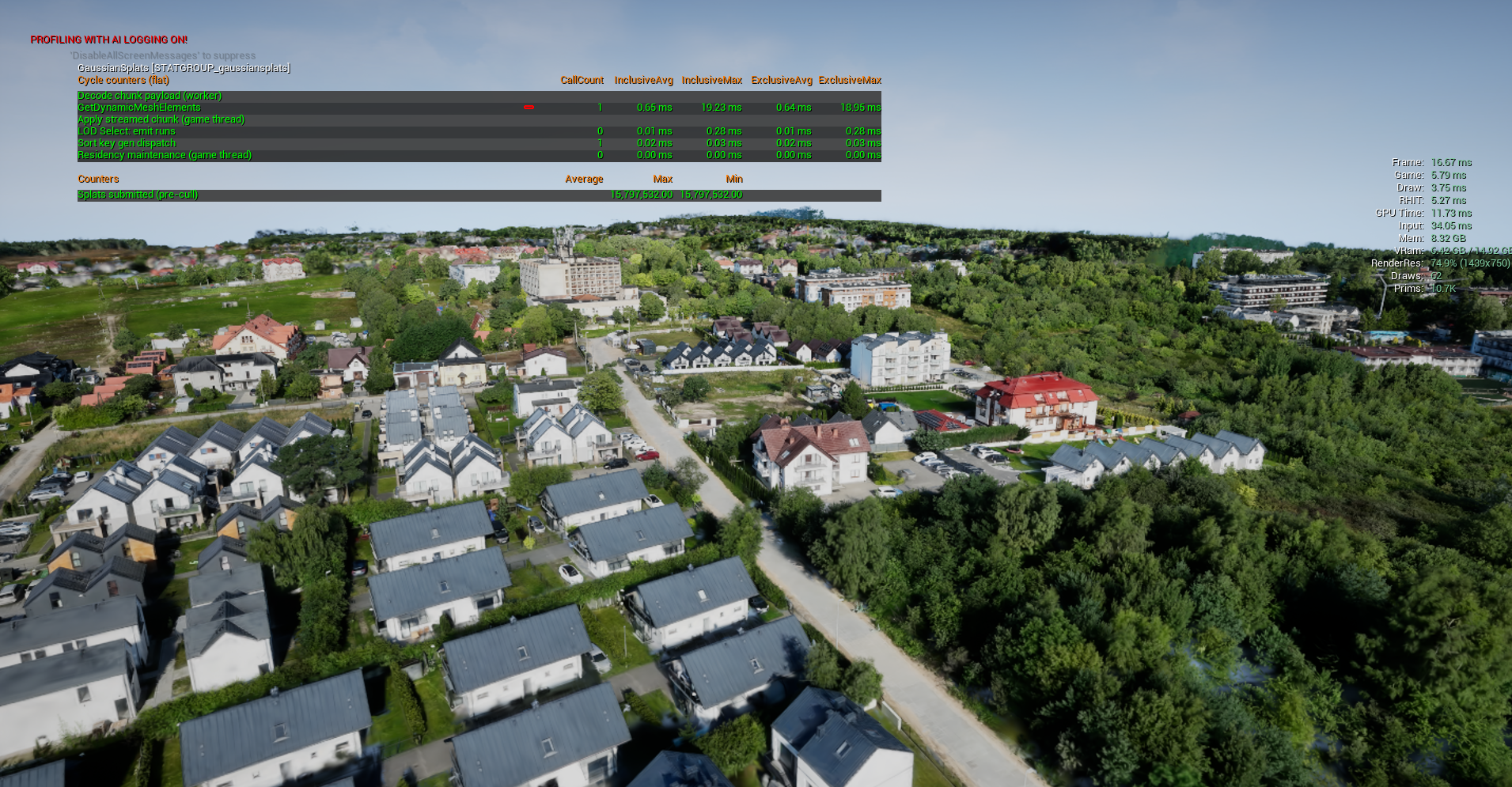
This meant we only drew the exact number of splats visible to the camera, providing a significant performance boost and creating a flexible foundation for a Level-of-Detail (LOD) system.
📉 Hubris Redux: The VRAM Wall
Solving the rendering limit didn't solve the storage limit. While I could now draw any number of splats, I still had to hold them in VRAM.
The memory footprint per splat is roughly: (Including position, scale, orientation, opacity, and spherical harmonic coefficients)
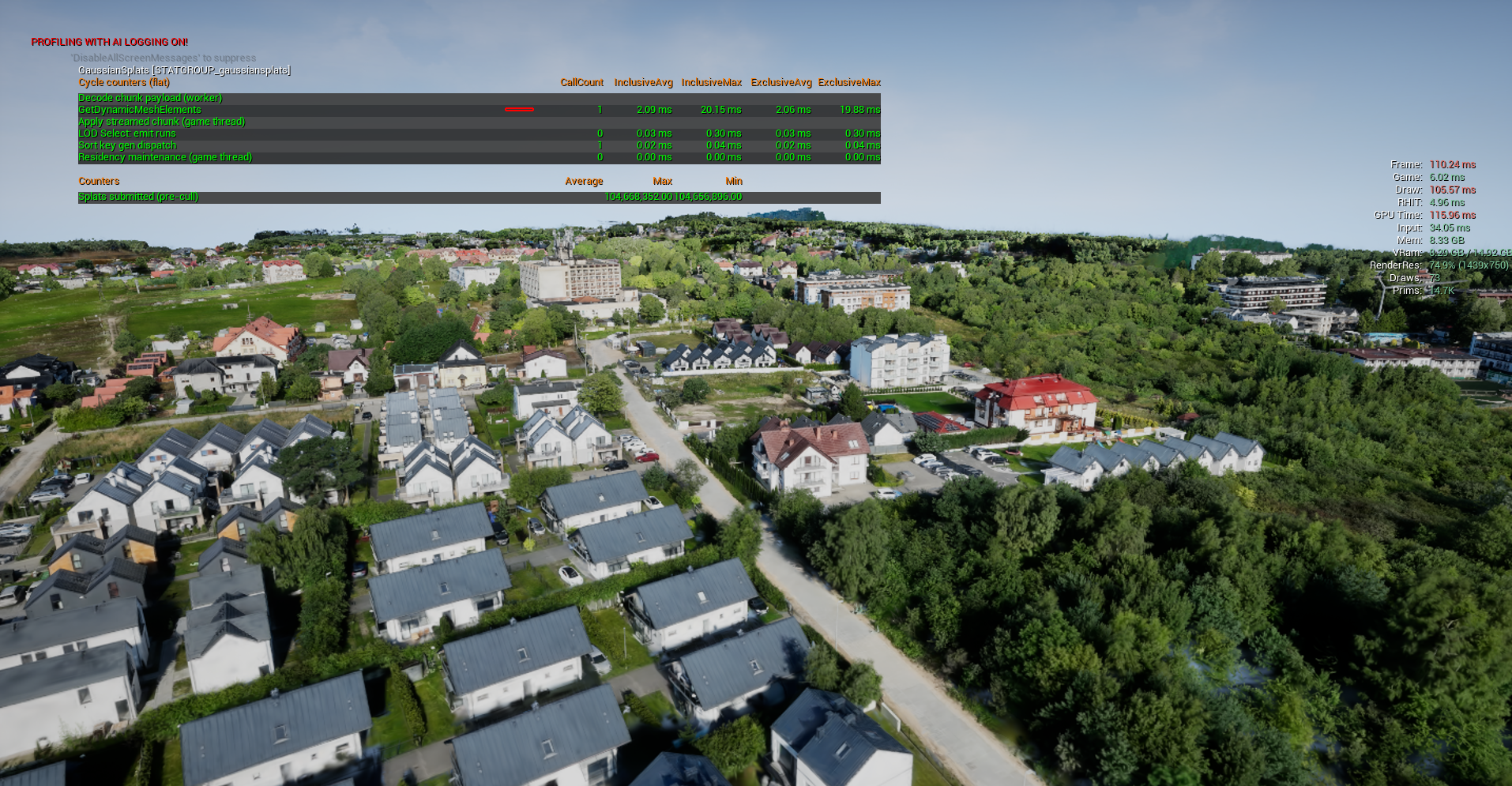
When dealing with professional photogrammetry of real-world sites, the resolution is staggering. No amount of clever packing can fit these massive captures into standard VRAM. We reached a point where the renderer had to dynamically decide which parts of the scene to fetch and draw every frame.
Redefining LODs for Splats
In traditional graphics, LODs involve swapping a high-poly mesh for a low-poly one or a billboard. Splats don't have polygons, but they do have density.
A splat LOD is essentially a decimated version of a region. Instead of thousands of tiny blobs, we use a few larger blobs to fill the same visual space.
- LOD 0: Every single splat is rendered (Maximum detail).
- LOD 1+: Progressively fewer splats are shown, with survivors enlarged to cover the gaps.
// Conceptual logic for Splat LOD selection
if (distanceToCamera > LOD_THRESHOLD_FAR) {
    renderSplatSubset(LOD_LEVEL_2); // Low density, large splats
} else if (distanceToCamera > LOD_THRESHOLD_MID) {
    renderSplatSubset(LOD_LEVEL_1); // Medium density
} else {
    renderSplatSubset(LOD_LEVEL_0); // Full density
}
🖼️ Visual Gallery