Cerebras Deploys Trillion-Parameter AI Models
Scaling the Frontier: How Cerebras Deploys Trillion-Parameter AI Models
Published: October 22, 2026
By Sarah Chieng
A recurring question for the Cerebras team is how we manage the deployment of massive frontier models on our wafer-scale chips. The challenge is a matter of scale: a single Cerebras WSE-3T wafer provides 44 GB of on-chip memory, yet trillion-parameter models require terabytes of space just to store their weights.
In this technical deep dive, we explain the strategy for distributing these models across multiple WSE-3T wafers to achieve blistering speeds of 1000-2000+ tokens per second.
Learning Objectives
- Understand the method for fitting massive models into on-chip memory.
- Learn how model mapping works across a cluster of wafers.
- Discover how the system manages a high volume of simultaneous requests.
Case Study: The Kimi K3 Model
To illustrate our process, we are using Kimi K3, an open-source model featuring approximately 3 trillion parameters. Its architecture consists of:
- 69 linear-attention layers.
- 24 dense layers.
Kimi K3 is a powerhouse, demonstrating agentic and coding capabilities that rival or exceed top-tier proprietary models. For our calculations, we assume the following configuration:
| Parameter | Value |
|---|---|
| Average Request Size | 256k |
| Weight Quantization | 4-bit (similar to Hugging Face) |
| KV Cache Precision | 8-bit |
Step 1: Determining Layer Size
First, we must calculate the memory footprint of a single model layer. If we store 3 trillion parameters at 4 bits each, the total payload is:
To find the size per layer, we divide this by the total number of layers (93):
Step 2: Calculating Wafer Requirements
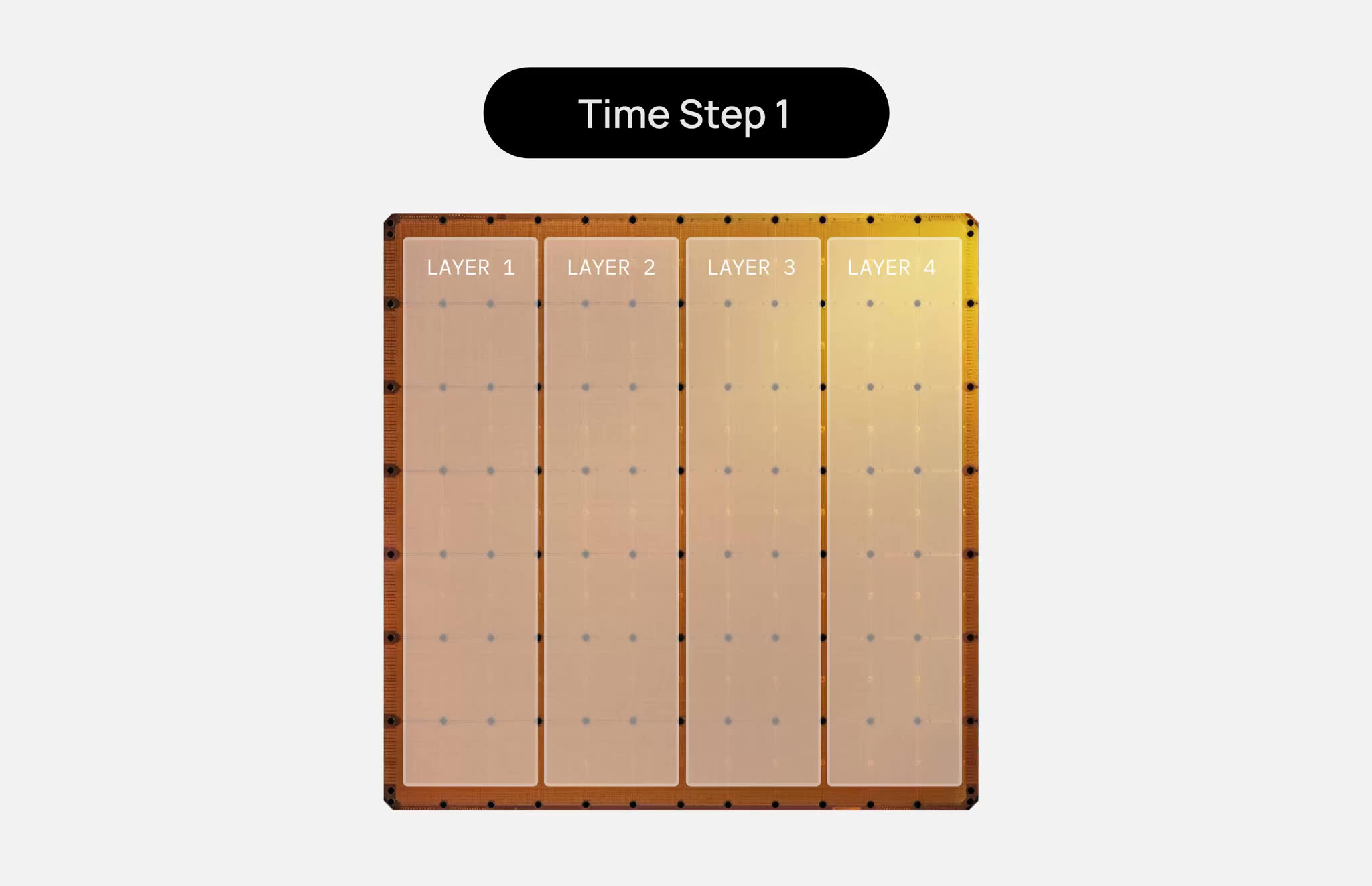
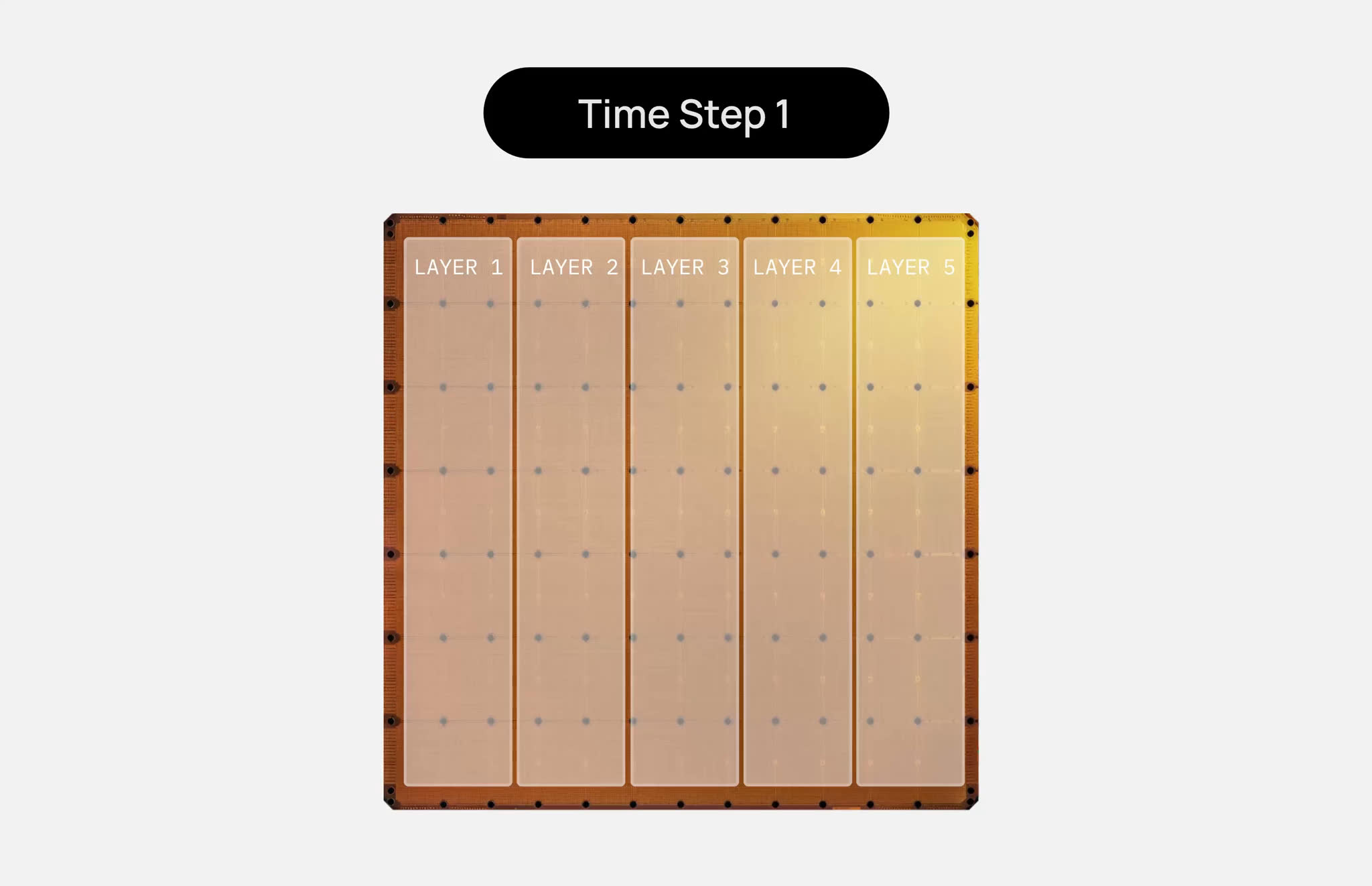
With each layer requiring , we determine how many can fit on a 44 GB wafer. This depends entirely on the type of layer:
- Dense Layers: These require a KV cache to store keys and values for every token across all active requests. To ensure sufficient space for this cache, we allocate one dense layer per wafer.
- Linear-Attention Layers: These are more efficient; they use a fixed-size state per request regardless of the context length, meaning they don't need a massive KV cache. Consequently, we can fit two linear layers per wafer ().
The Final Count:
- Linear layers: wafers.
- Dense layers: wafers.
- Total: 59 wafers.
Step 3: Interconnecting the Hardware
Cerebras utilizes a pipeline execution model. The process follows this flow:
Compiler maps layers Runtime maps token paths Execution.
To maintain ultra-low latency, we only transmit activations between wafers using RDMA over Ethernet.
Key Insight: Because each wafer has 44 GB of
SRAMand layers are only 16 GB, we can typically keep entire layers on-chip. This means model weights remain stationary; they never need to be moved or split across wafers.
Step 4: Processing a Single Request
Think of the wafer cluster as a high-speed assembly line. The weights are the stationary tools, and the request is the product moving down the belt.
Step 5: Scaling to Multiple Requests
A common misconception is that the system is limited to a batch size of one because tokens must move sequentially.
"Doesn't each wafer sit idle while waiting for the token to arrive?"
No. We keep the pipeline saturated. While Wafer 3 is processing a token for Request A, Wafer 2 is processing Request B, and Wafer 1 is processing Request C.
Throughput vs. Latency
In production, we use even smaller, more granular stages and employ micro-batches (small groups of requests).
- Smaller Micro-batches Lower latency per request.
- Larger Micro-batches Higher overall throughput.
Calculating Concurrency
The ceiling for concurrent requests is dictated by the available SRAM for the KV cache on dense-layer wafers.
Available Cache Space per Wafer:
To find the total concurrent requests, we use the following logic:
# Conceptual calculation for concurrency
cache_per_request = calculate_kv_cache(request_size=256000, precision="8-bit")
total_concurrent_requests = available_wafer_cache / cache_per_request
Unlike traditional GPU batches, these requests do not wait for one another; they stream continuously through the pipeline.
Final Thoughts on Performance
While concurrency and batch size are important, they aren't the ultimate measure of efficiency. The gold standard for evaluating an inference system is:
Visual Gallery